
Advanced LT for RENAULT
- Auto & Vehicles
- 2.0
- 829.1 KB
- by Dare Apps
- Android 4.1+
- Jan 09,2026
- Package Name: com.ideeo.rnadvancedlite
Expand your Torque Pro capabilities with this plugin to monitor specific RENAULT vehicle parameters.
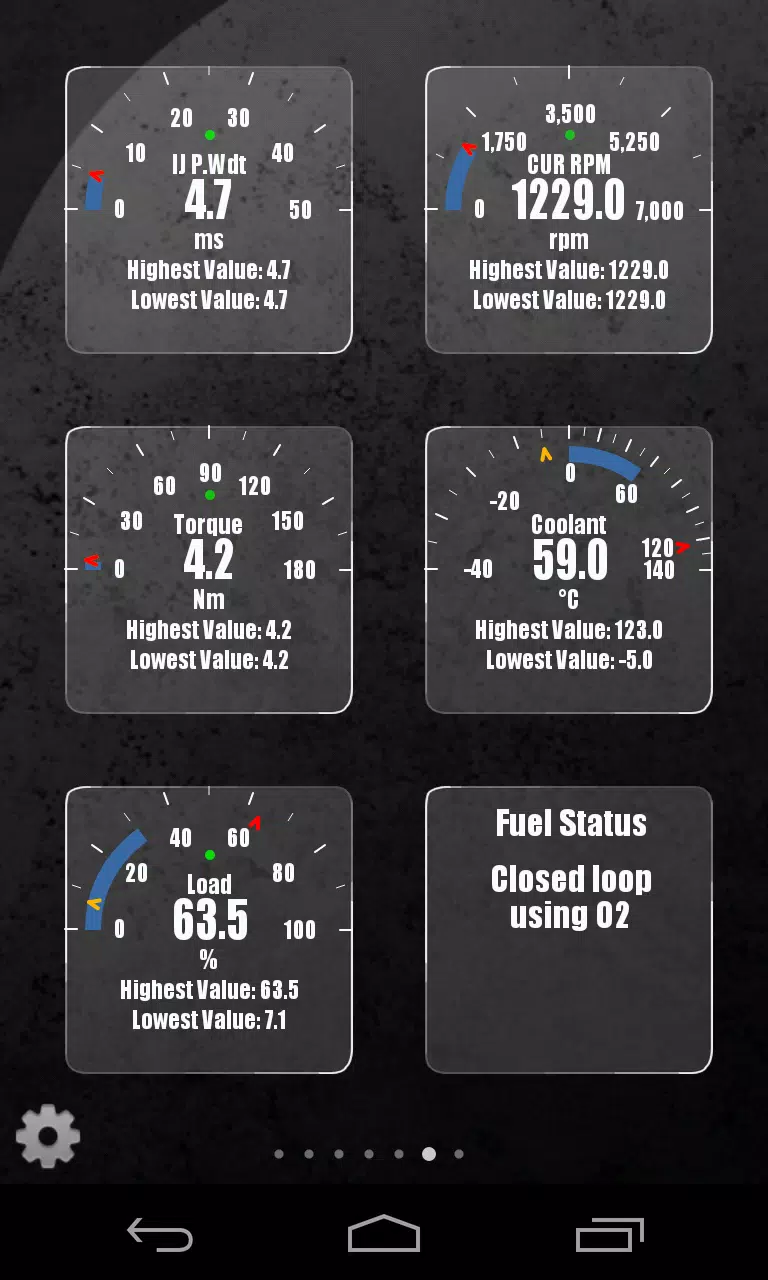
Track specialized RENAULT metrics in real-time, including enhanced engine sensor data, by integrating this plugin with Torque Pro.
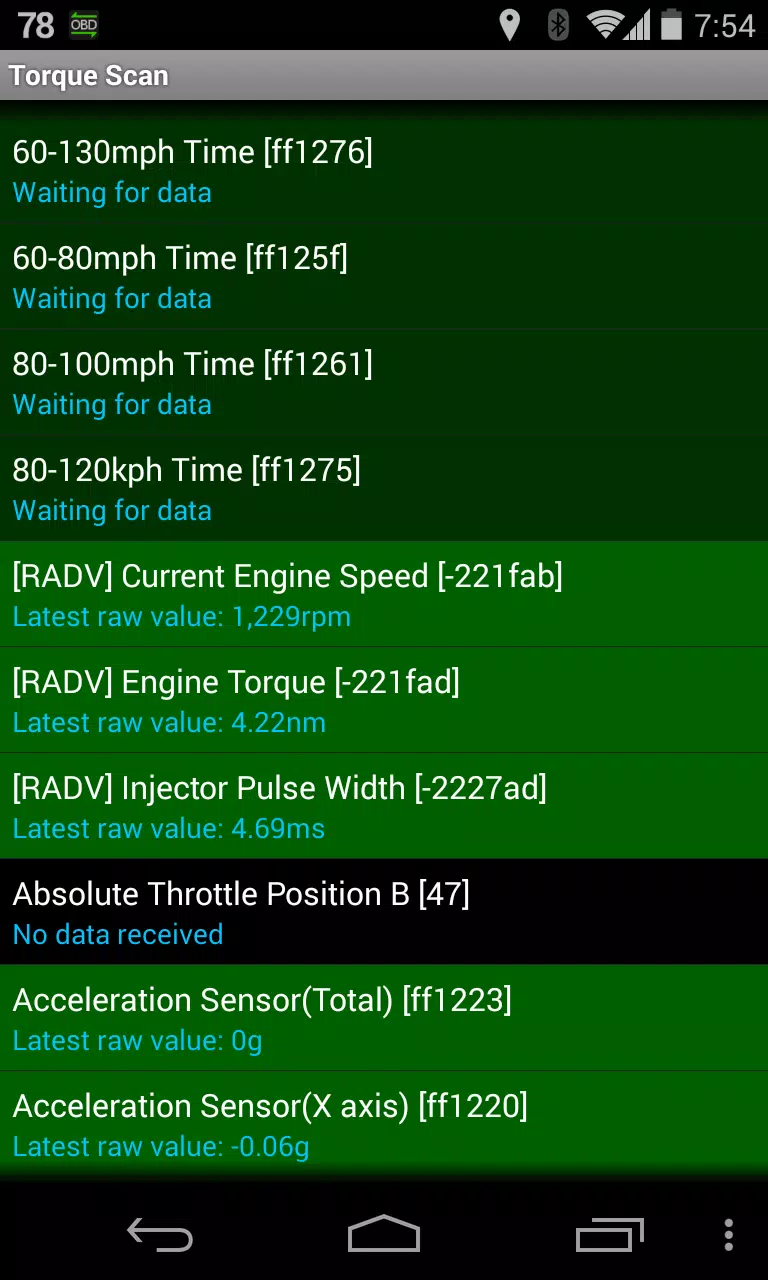
Advanced LT is a plugin for Torque Pro that extends the PID/Sensor list with exclusive RENAULT vehicle parameters. Test the plugin with limited sensors before purchasing—this version excludes calculated sensors like Injector Duty Cycle (%).
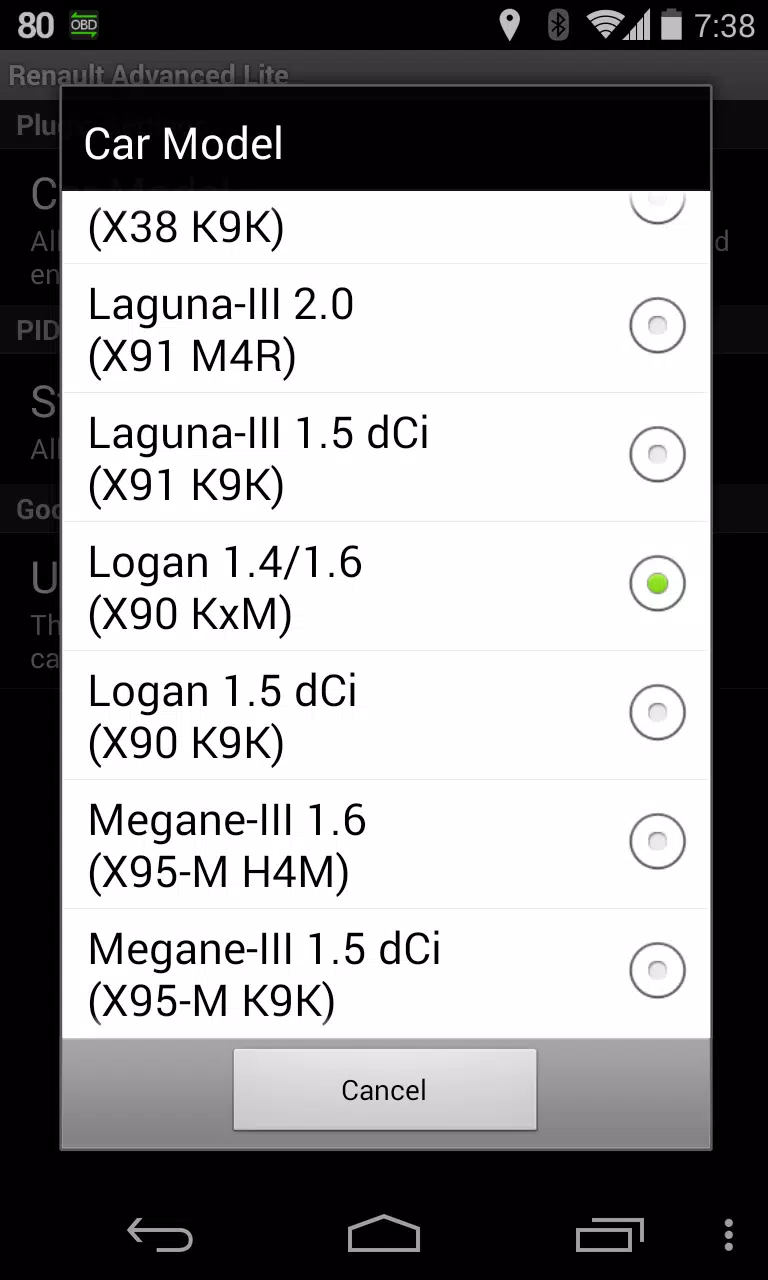
*PLEASE NOTE*: While other RENAULT models/engines might be compatible, this plugin has been verified only on the following DiagOnCan (CANBUS ONLY) models/engines:
* Captur 1.2 (X87 H5F)
* Captur 1.5 dCi (X87 K9K)
* Clio-III 1.6 (X85 KxM)
* Clio-III 1.5 dCi (X85 K9K)
* Duster 1.6 (X79 K4M)
* Duster 1.5 dCi (X79 K9K)
* Fluence 1.6 (X38 H4M)
* Fluence 1.5 dCi (X38 K9K)
* Laguna-III 2.0 (X91 M4R)
* Laguna-III 1.5 dCi (X91 K9K)
* Logan 1.4/1.6 (X90 KxM)
* Logan 1.5 dCi (X90 K9K)
* Megane-III 1.6 (X95-M H4M)
* Megane-III 1.5 dCi (X95-M K9K)
* Sandero 1.6 (B90 KxM)
* Sandero 1.5 dCi (B90 K9K)
* Scenic-III 1.6 (X95-S H4M)
* Scenic-III 1.5 dCi (X95-S K9K)
* Symbol 1.6 (L35 KxM)
For detailed information about RENAULT engines, visit http://en.wikipedia.org/wiki/List_of_RENAULT_engines
Advanced LT requires the most recent version of Torque Pro to operate. This is *NOT* a standalone app and will *NOT* function without Torque Pro.
Plugin Installation
-------------------------
1) After downloading the plugin from Google Play, confirm it appears in your Android device's installed applications list.
2) Launch Torque Pro and tap the "Advanced LT" icon
3) Choose your engine type and return to Torque Pro's main screen
4) Navigate to Torque Pro "Settings"
5) Verify the plugin is listed in Torque Pro by going to "Settings" > "Plugins"> "Installed Plugins".
6) Scroll to "Manage extra PIDs/Sensors"
7) This screen typically shows no entries unless you've previously added pre-defined or custom PIDs.
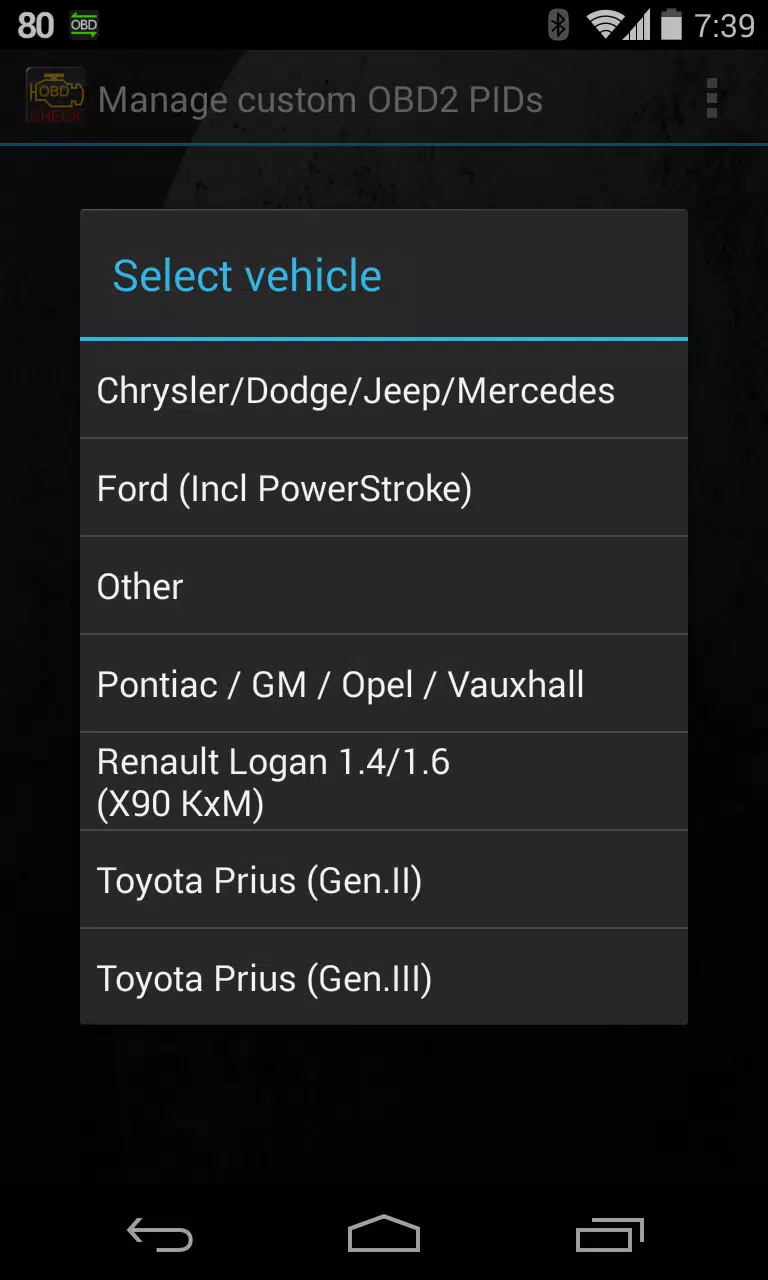
8) From the menu, select "Add predefined set"
9) Multiple RENAULT engine type sets may appear—ensure you select the correct one.
10) After selecting your entry, the Extra PIDs/Sensors list should populate with additional parameters.
Adding Displays
------------------------
1) Once sensors are added, proceed to Realtime Information/Dashboard.
2) Press the menu key and select "Add Display"
3) Choose your preferred display format (Dial, Bar, Graph, Digital Display, etc)
4) Pick the relevant sensor from the list. Advanced LT sensors are prefixed with "[RADV]" and appear directly after time sensors at the list's top.
Future updates will introduce more features and parameters. Comments and suggestions are always welcome.
Latest Version 2.0 Updates
Last updated on Dec 14, 2019
* Updated API26+ handling for third-party plugins following Torque's core fix











-
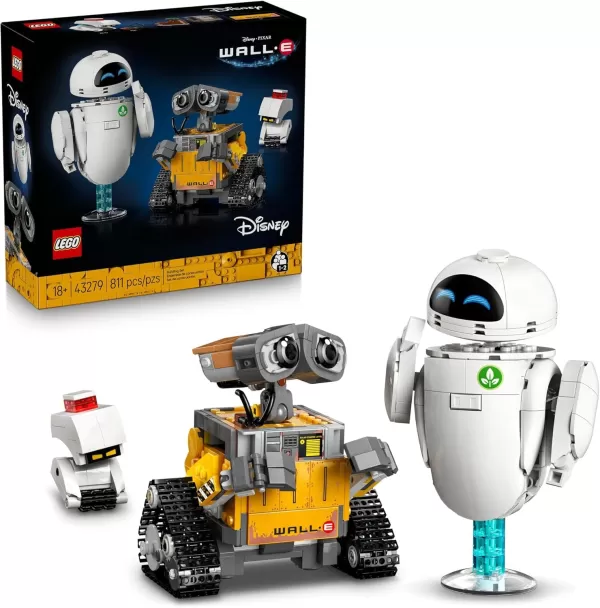 LEGO’s Upcoming Wall-E and EVE Set Is a Great Pick-Up for Pixar Fans
LEGO enthusiasts – and, even more importantly, Pixar devotees – it's time to make room on your display shelves once again. The brand is preparing to release a charming new Wall-E and EVE set on September 1st. Currently priced at $69.99 (available via
Oct 21,2026 -
 Amazon is Selling Premium Pokémon Plushies for Just $20 Today
Massive Pokémon plush excitement returns with major price drops on premium collectibles at both Walmart and Amazon.Both retailers have quietly introduced new discounts on the wildly popular 24-inch premium Pokémon plush line, with prices slashed as l
Oct 20,2026 - ◇ Marvel Rivals' First Ever PvE Mode Is Based on the Marvel Zombies Disney+ Show Oct 18,2026
- ◇ Reverse: 1999 Is Celebrating Its Second Anniversary with Paradise Regained Oct 16,2026
- ◇ Avowed Editions: Contents Compared Oct 11,2026
- ◇ Machinarium Free on Epic Games Store This Week Oct 11,2026
- ◇ Iron Roads is a board game-style train management sim out now on iOS Oct 09,2026
- ◇ EA Sports FC Mobile brings home the holidays with new Festive Fixtures takeover Oct 07,2026
- ◇ Off-limits action, or a hint to making nine of this puzzle’s answers match their clues Crossword Clue - Try Hard Guides Oct 07,2026
- ◇ Squishmallows Enters Match-Three Gaming Genre Oct 05,2026
- ◇ Bloodlines 2 DLC Cancelled, Adds Content into Base Game After Backlash Oct 05,2026
- ◇ ALLfiring redeem codes and how to use them (May 2026) Oct 04,2026




- 1 All the Buttons on Fisch Can Be Found Here Dec 24,2024
- 2 Three Nights at the Blacksite Pressure Guide [April Fools] May 12,2025
- 3 Roblox: Eat Pizza to Grow GIGACHAD Codes (January 2025) Feb 25,2025
- 4 Hogwarts Mystery Character Guide - All Romance Options Explained Apr 07,2025
- 5 Roblox Forsaken Characters Tier List 2025 Feb 14,2025
- 6 Top Pirate Crew Formations: Like a Dragon: Hawaii Mar 13,2025
- 7 Marvel Rivals' Controversial Hitbox System Draws Attention Feb 11,2025
- 8 Marvel Contest of Champions Champion Cards Guide Mar 14,2025





-
Mastering the Art of Digital Tools
A total of 10
-
Best News & Magazines Apps for Daily Reading
A total of 10
-
Hidden Gems: Unexpectedly Useful Other Apps
A total of 10











