
Hyper Light Breaker: Mastering Lock-On Targeting
Quick Links
Hyper Light Breaker is shrouded in mystery, with many mechanics left for players to discover as they delve deeper into its Synthwave roguelite world. A key element to master is the lock-on system, which is crucial for effectively targeting enemies.
While locking onto a target helps maintain focus on a single enemy, it's not always the best approach. In Hyper Light Breaker, the lock-on feature is most beneficial in specific one-on-one scenarios. This guide will walk you through how to target enemies and provide insights on when to use the lock-on versus the default free camera mode.
How To Target Enemies In Hyper Light Breaker
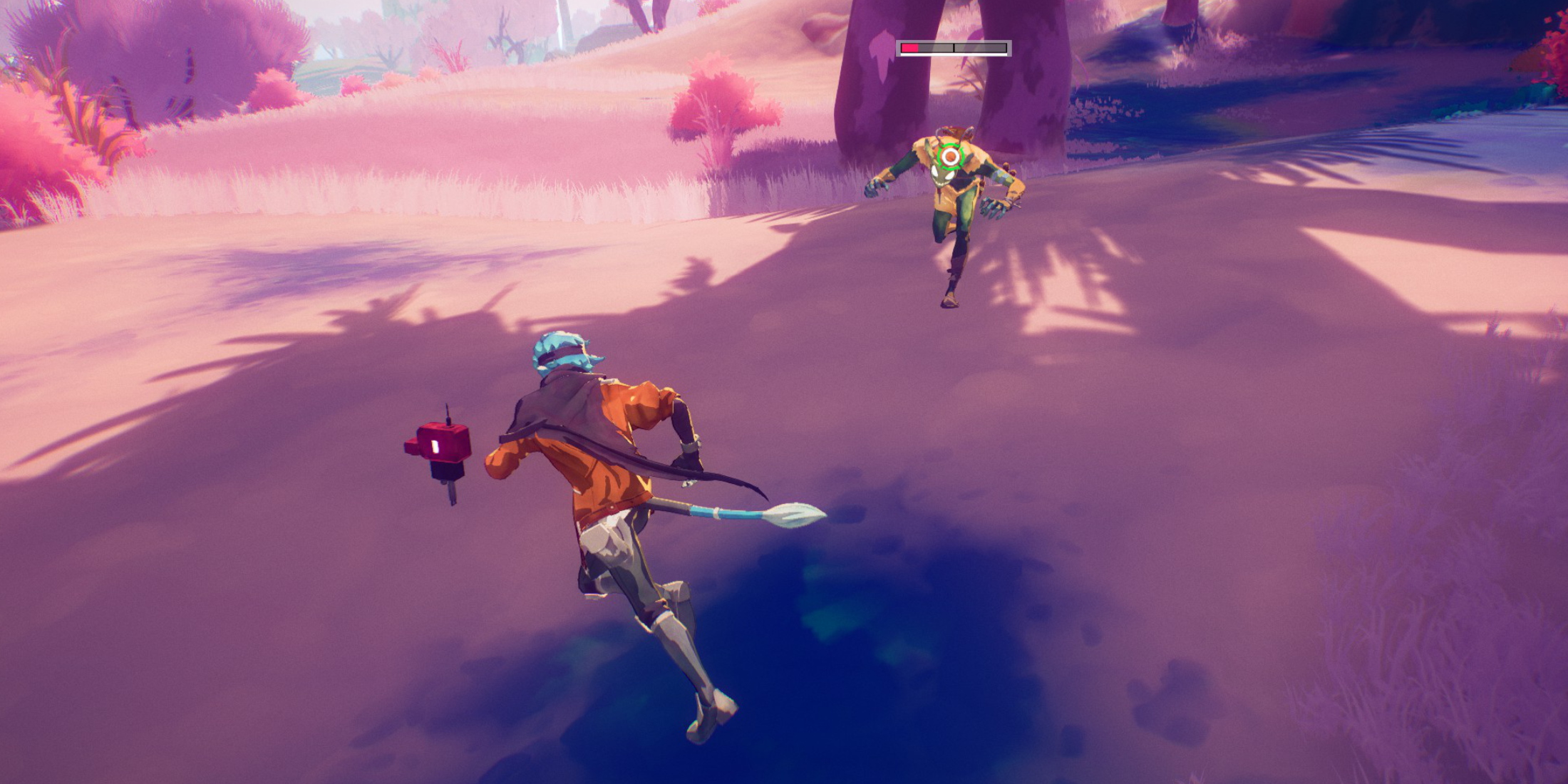 To target a specific enemy, center your view on your target and press in the right analog stick (R3) on your controller. The game will automatically identify the correct target, even within a group of enemies. Your view will zoom in slightly, and a reticle will appear around your target.
You don't need a direct line of sight to lock onto an enemy. As long as the enemy is visible on-screen and within range, you can initiate a lock-on.
When locked on, Hyper Light Breaker adjusts your character's movement to keep the camera focused on the target. This means your movements will tend to circle the target, and rapid movements by the enemy can cause the camera to shift suddenly, potentially altering your character's direction mid-movement.
To switch targets while locked on, move the right analog stick left or right. The reticle will jump to the nearest enemy within range.
To cancel the lock-on and return to the default third-person camera mode, press the right analog stick again. You can also adjust this binding in the game's settings menu. The lock-on will automatically disengage if you move too far from your target.
When Should I Lock On vs Use Free Cam?
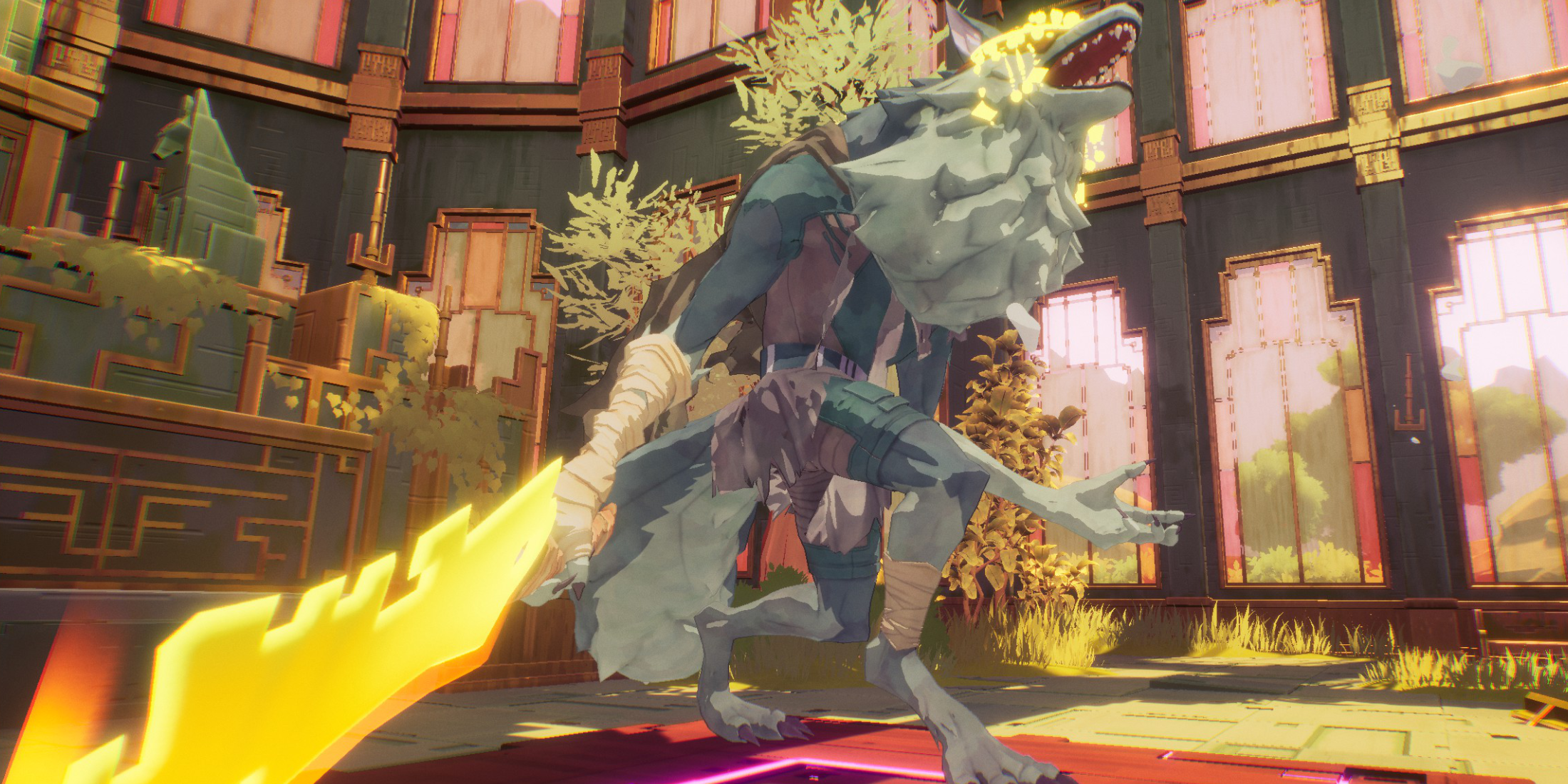 Locking on is advantageous in certain scenarios but can be restrictive and hazardous in others. Use the lock-on feature during one-on-one encounters, such as against bosses or strong enemies with yellow health bars, but only after clearing out other mobs.
The lock-on system focuses the camera on a single target, making you vulnerable to attacks from other enemies in your blind spots, which can complicate handling groups.
For most of the game, the free camera mode is more practical. When facing multiple or weaker enemies that you can dispatch quickly, there's no need to lock on, as it can limit your awareness and reaction to surrounding threats.
However, when confronting a mini-boss or boss, and you've cleared the area of minor enemies, locking on to keep the boss centered on your screen can be beneficial. If additional enemies appear, disengage the lock-on to manage them, then re-engage once you're back to facing the boss alone.
For instance, during Extraction phases, you'll encounter waves of regular enemies followed by a mini-boss. It's best to use free cam until all regular enemies are dealt with, then lock onto the mini-boss for a focused attack when it's the only threat remaining.













- 1 All the Buttons on Fisch Can Be Found Here Dec 24,2024
- 2 Three Nights at the Blacksite Pressure Guide [April Fools] May 12,2025
- 3 Roblox: Eat Pizza to Grow GIGACHAD Codes (January 2025) Feb 25,2025
- 4 Hogwarts Mystery Character Guide - All Romance Options Explained Apr 07,2025
- 5 Roblox Forsaken Characters Tier List 2025 Feb 14,2025
- 6 Top Pirate Crew Formations: Like a Dragon: Hawaii Mar 13,2025
- 7 Marvel Rivals' Controversial Hitbox System Draws Attention Feb 11,2025
- 8 Marvel Contest of Champions Champion Cards Guide Mar 14,2025

![LeMOMnade: Family Squeeze! – Version 1.1.1 [mtrellex]](https://img.3xbz.com/uploads/38/1719569762667e8d62c486e.jpg)



-
Mastering the Art of Digital Tools
A total of 10
-
Best News & Magazines Apps for Daily Reading
A total of 10
-
Hidden Gems: Unexpectedly Useful Other Apps
A total of 10











