

Adobe Acrobat Reader: Edit PDF
- Productivity
- 24.9.4.35580
- 109.7 MB
- by Adobe
- Android 9.0+
- Apr 25,2025
- Package Name: com.adobe.reader
Adobe Acrobat is your ultimate tool for managing PDF files on the go, offering a free PDF reader and file manager that empowers you to view and edit PDFs anytime, anywhere. With Adobe Acrobat, you can:
- Edit, Sign, and More: Transform your PDF experience by editing, signing, and performing various professional activities on your documents.
- Enhance Your Reading Experience: Utilize Liquid Mode for a seamless PDF viewing experience, where content reflows to fit your screen perfectly.
- Collaborate Easily: Share files with a simple link, add comments, or just view documents to collaborate effortlessly with others.
- Free and Premium Options: Enjoy the basic features for free, with the option to upgrade to a premium subscription for advanced functionalities.
For those constantly on the move, the Adobe Acrobat Reader mobile app is a must-have. Trusted by over 635 million users, this app is the world's leading PDF viewer, allowing you to store files online and access them from anywhere. Not only can you view and read PDF files, but you can also share, annotate, and add e-signatures to your documents.
With a premium subscription, Adobe Acrobat Reader becomes a versatile PDF editor, enabling you to edit text and images, convert files to and from PDF format, and utilize advanced features to create, combine, organize, and more.
View and Print PDFs
- Open and view PDFs effortlessly with the free Adobe PDF viewer app.
- Choose between Single Page or Continuous scroll mode for your convenience.
- Save battery life with the dark mode feature.
- Print documents directly from your device without hassle.
Read PDFs More Easily
- Experience the best in PDF reading with Liquid Mode, which reflows content to fit your screen.
- Navigate quickly through your document using the Liquid Mode outline.
- Find text fast with the search functionality within your PDF documents.
Share PDFs and Collaborate
- Share files for commenting or viewing to enhance collaboration.
- Collect comments from multiple people in one file online.
- Speed up document reviews by responding to each other's comments.
- Stay updated with activity notifications for files you've shared.
Annotate PDFs
- Add notes and comments, including sticky notes and highlights, to your PDFs.
- Write on PDF documents by adding text or drawings.
- Collect all comments in one place by sharing a file with others.
Edit PDFs
- With a subscription, edit text and images directly within your PDF.
- Correct typos or add paragraphs using the paid PDF editor feature.
- Add, delete, or rotate images with your upgraded Acrobat PDF app.
Fill and Sign Forms
- Easily fill in PDF forms using the form filler feature.
- E-sign documents conveniently using your finger or stylus.
Store and Manage Files
- Sign in to your free account to store and access files across devices.
- Link online storage accounts like Microsoft OneDrive, Dropbox, or Google Drive for easy access.
- Star your most important or favorite documents for quick retrieval.
Connect to Google Drive
- Seamlessly connect your Google Drive account to access PDFs and other files.
- View, share, and star Google Drive files directly within Acrobat Reader.
- With a subscription, create, edit, combine, compress, and export Google Drive files.
Work with Scanned Documents
- Access scanned PDFs captured using the free Adobe Scan app.
- Open your scans in Adobe Acrobat Reader to fill, sign, comment, and share.
In-App Purchase
- Upgrade your experience with a subscription that works across mobile and web.
- Edit text and images directly in your PDF document (mobile only).
- Combine files into one PDF and organize pages.
- Create PDF files from documents or images.
- Export PDFs to Microsoft Word, Excel, or PowerPoint.
- Compress PDF files to reduce file size.
- Protect PDF documents by adding passwords.
The Acrobat Reader mobile app is tailored for users with Enterprise Mobility Management (EMM) enabled, ensuring a secure and efficient experience.
Terms & Conditions: Your use of this application is governed by the Adobe General Terms of Use (http://www.adobe.com/go/terms_en) and the Adobe Privacy Policy (http://www.adobe.com/go/privacy_policy_en).
Do Not Sell My Personal Information: https://www.adobe.com/go/ca-rights
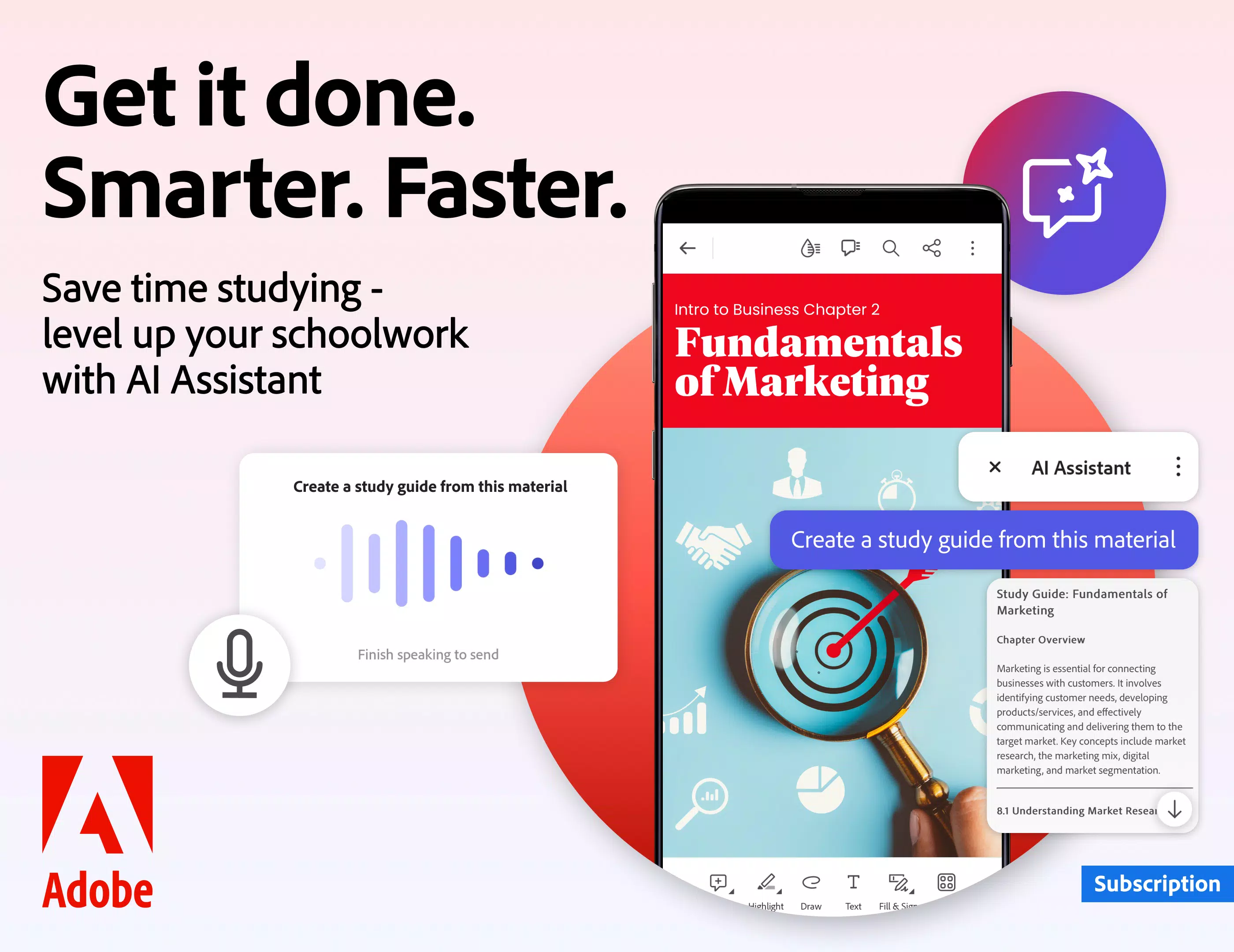
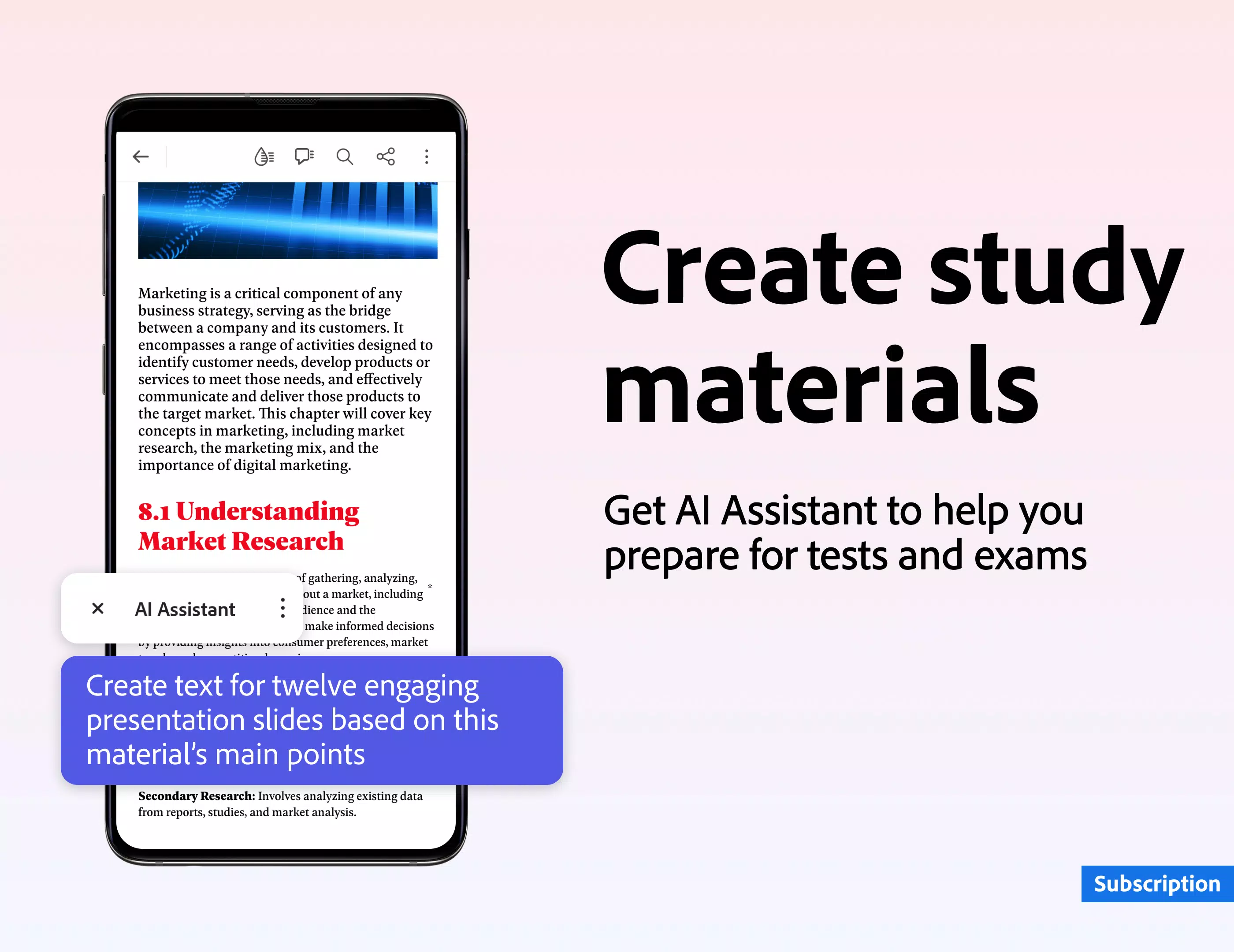
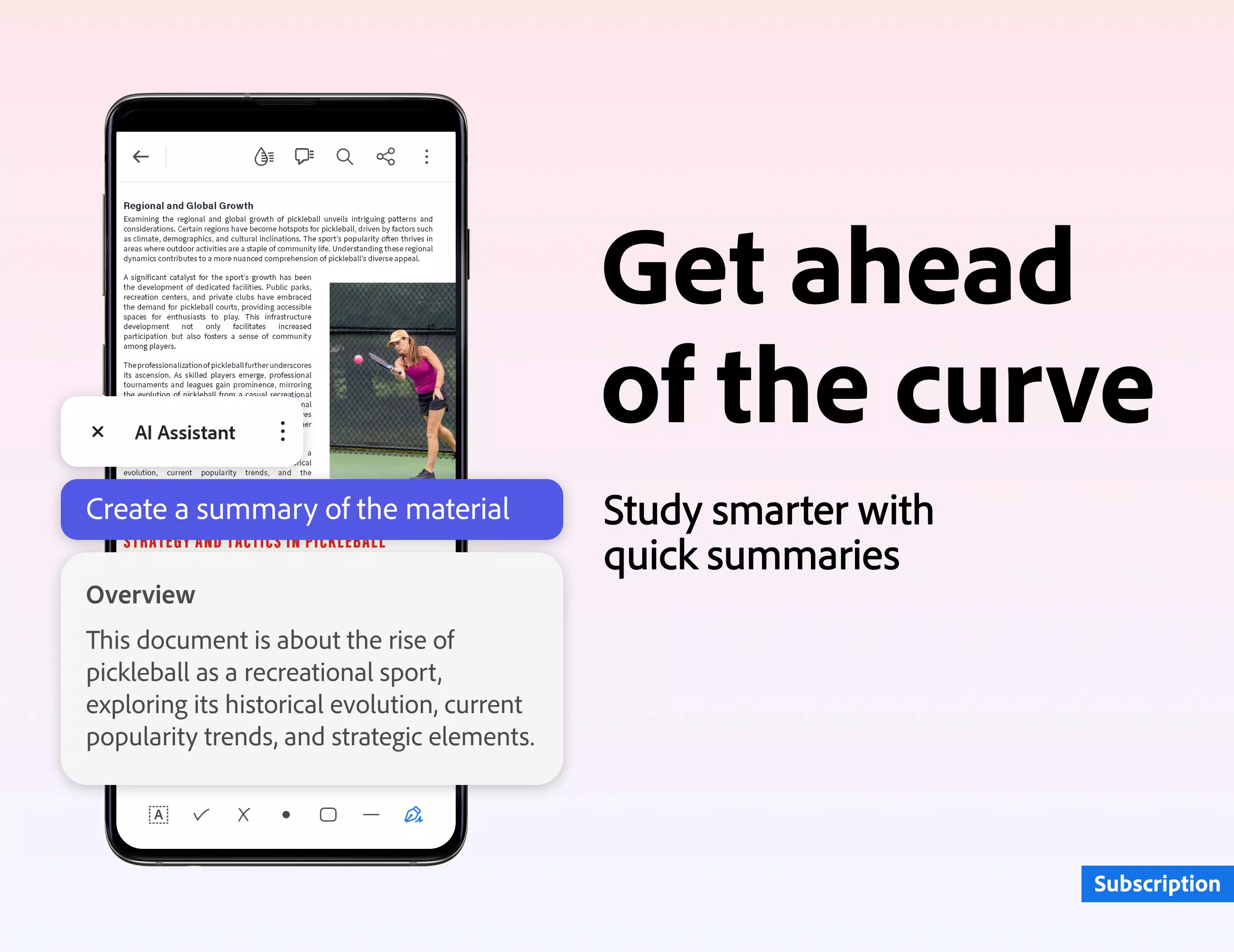
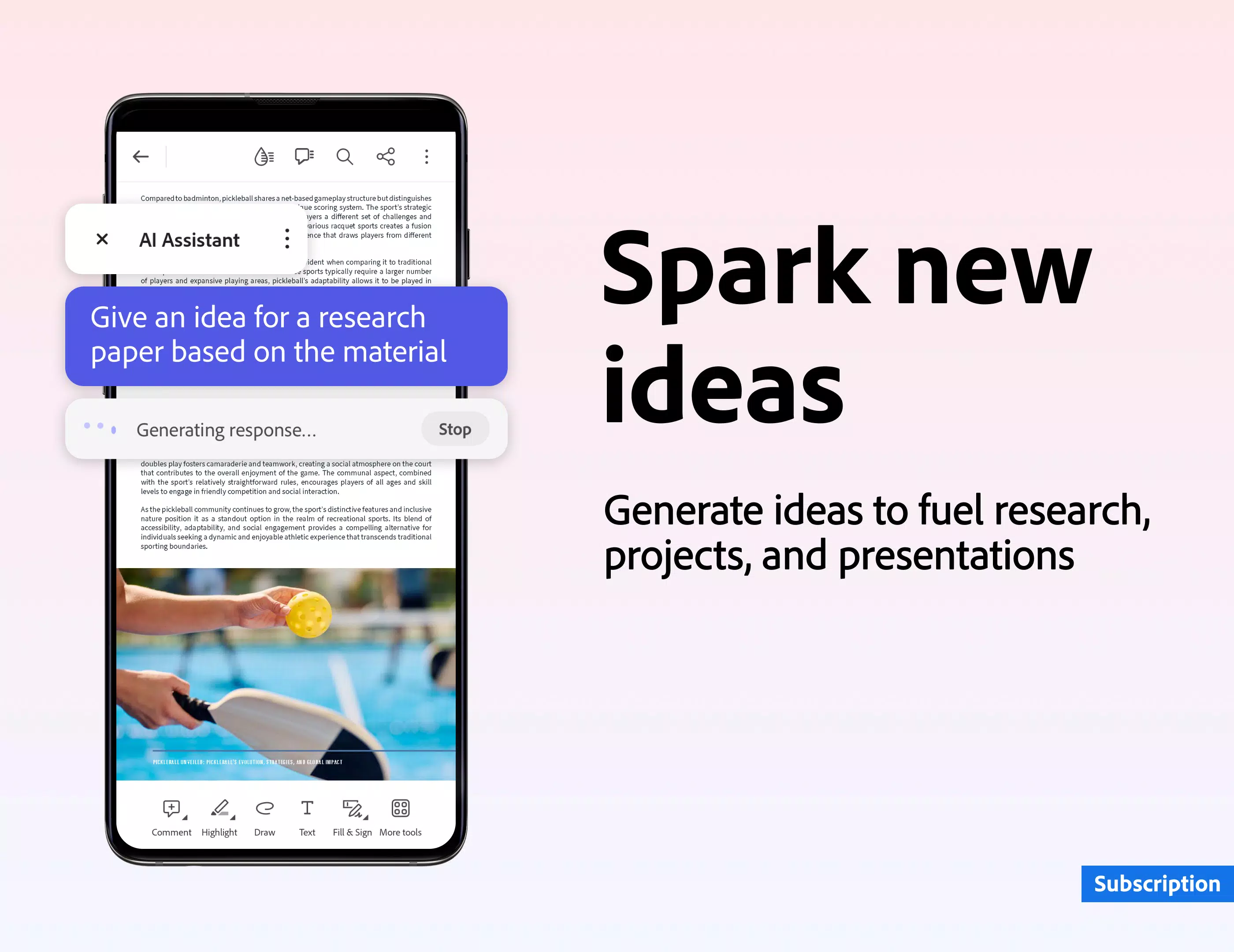
Adobe Acrobat Reader PDF creator and document editor app is like having your office in your pocket. View, annotate, fill, sign, and share PDF files with the free Adobe PDF reader. Convert JPG files to PDF format, create and sign fillable PDF forms, and add your e-signature to shared documents. Working with PDF documents has never been easier.
-
Reader+

-
robota.ua - jobs and vacancies

-
EasyMerch V2

-
Piano Free Keyboard with Magic Tiles Music Games

-
Smart Translator

-
Office Documents Viewer
-
Catholic Daily Mass Readings -

-
Learn Android App Development

-
Grammar Checker

-
Sectograph. Day & Time planner

-
Vehicle Inspection Maintenance

-
Japanese Kanji Study

-
BASF Iberia AR

-
Userfeel

-
Marvel Rivals' First Ever PvE Mode Is Based on the Marvel Zombies Disney+ Show
Marvel Rivals launches its inaugural PvE experience on October 23, 2025, drawing inspiration from the Marvel Zombies Disney+ series."The city is ablaze, the infected are surging — and it's your mission to stand firm," the developers hinted. "Get an
Oct 18,2026 -
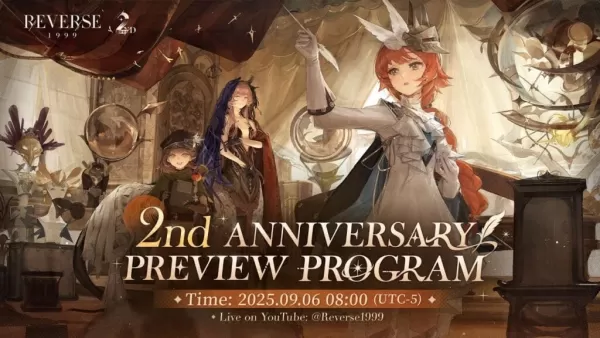 Reverse: 1999 Is Celebrating Its Second Anniversary with Paradise Regained
Bluepoch Games launched a special anniversary stream for Reverse: 1999, unveiling upcoming content in Version 2.8 through charming L2D chibi models of the new units. Titled Paradise Regained, this update celebrates the game’s 2nd anniversary.The eve
Oct 16,2026 - ◇ Avowed Editions: Contents Compared Oct 11,2026
- ◇ Machinarium Free on Epic Games Store This Week Oct 11,2026
- ◇ Iron Roads is a board game-style train management sim out now on iOS Oct 09,2026
- ◇ EA Sports FC Mobile brings home the holidays with new Festive Fixtures takeover Oct 07,2026
- ◇ Off-limits action, or a hint to making nine of this puzzle’s answers match their clues Crossword Clue - Try Hard Guides Oct 07,2026
- ◇ Squishmallows Enters Match-Three Gaming Genre Oct 05,2026
- ◇ Bloodlines 2 DLC Cancelled, Adds Content into Base Game After Backlash Oct 05,2026
- ◇ ALLfiring redeem codes and how to use them (May 2026) Oct 04,2026
- ◇ Helldivers 2 Festival of Reckoning Adds Snowball Fights & Stratagems Oct 02,2026
- ◇ New Characters Revealed for Tower of God Spin-off Series Oct 02,2026




- 1 All the Buttons on Fisch Can Be Found Here Dec 24,2024
- 2 Roblox: Eat Pizza to Grow GIGACHAD Codes (January 2025) Feb 25,2025
- 3 Hogwarts Mystery Character Guide - All Romance Options Explained Apr 07,2025
- 4 Roblox Forsaken Characters Tier List 2025 Feb 14,2025
- 5 Three Nights at the Blacksite Pressure Guide [April Fools] May 12,2025
- 6 Top Pirate Crew Formations: Like a Dragon: Hawaii Mar 13,2025
- 7 Marvel Rivals' Controversial Hitbox System Draws Attention Feb 11,2025
- 8 Marvel Contest of Champions Champion Cards Guide Mar 14,2025





-
Mastering the Art of Digital Tools
A total of 10
-
Best News & Magazines Apps for Daily Reading
A total of 10
-
Hidden Gems: Unexpectedly Useful Other Apps
A total of 10











