

PS Remote Play
- Lifestyle
- v7.0.3
- 39.70M
- by PlayStation Mobile Inc.
- Android 5.1 or later
- Aug 12,2026
- Package Name: com.playstation.remoteplay
PS Remote Play transforms the way you game by letting you enjoy your PlayStation® experience anywhere, beyond just your living room. If you own a PS5™ or PS4™, this app connects your console to your Android mobile device, so you can dive into your favorite games anytime, anywhere.
Features and Functionality
PS Remote Play offers a robust set of features to enrich your gaming sessions:
1. Remote Screen Display:
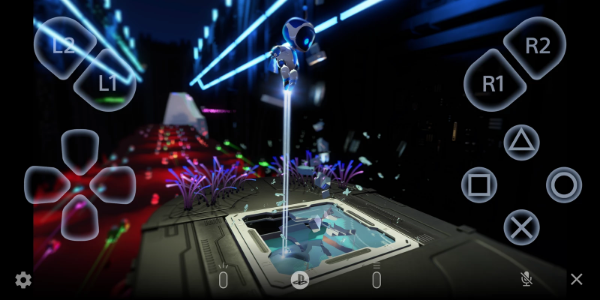
– Stream your PS5™ or PS4™ console screen directly to your Android device, delivering console-quality gaming directly in your hands, no matter where you go.
2. Mobile Control Options:
– Use the on-screen controller on your phone or tablet for smooth gaming. On Android 10 or later, connect a DUALSHOCK®4 wireless controller; for Android 12 and later, use the DualSense™ wireless controller; and on Android 14 or later, the DualSense Edge™ wireless controller gives you a console-like feel.
3. Voice Chat Integration:
– Join in-game voice chats with your mobile device’s microphone, so you can easily talk with friends and fellow gamers while playing.
4. Text Input Capability:
– Enter text quickly on your PS5™ or PS4™ console using your mobile device’s keyboard, making it easier to message and interact in games and apps.
5. Compatibility Requirements:
– To get started, make sure your setup includes: an Android 9 or later mobile device, the latest system software on your PS5™ or PS4™ console, and an active PlayStation Network account. A stable internet connection is essential for uninterrupted performance.
6. Data Usage Considerations:
– When gaming on mobile data, keep in mind that PS Remote Play uses more data than regular video streaming, which could lead to additional charges. Connection quality depends on your carrier and network.
7. Verified Devices:
– PS Remote Play is designed to work best with compatible devices such as the Google Pixel 8, 7, and 6 series, providing optimized performance. Note that unverified devices may experience limited functionality.
8. Controller Compatibility:
– Choose your preferred control style: Support for the DUALSHOCK®4 wireless controller starts on Android 10 and later, the DualSense™ wireless controller on Android 12 and later, and the DualSense Edge™ wireless controller on Android 14 and later.
9. Performance Considerations:
– Depending on your mobile device’s performance, using wireless controllers may result in input lag, which can affect responsiveness during gameplay.
Usage Guidelines and Notes
While PS Remote Play enriches your PlayStation® gaming, please consider the following:
– Device Compatibility: Use a verified mobile device for the best experience. Unverified devices may not support all features or games.
– Game Compatibility: Certain games might not fully support remote play or could require additional setup.
– Controller Experience: Controller feedback such as vibration may feel different compared to playing directly on your PS5™ or PS4™ console.
– Input Lag: Depending on device performance and network stability, you may experience input lag while using wireless controllers.
Conclusion:
PS Remote Play is a major step forward in making gaming more accessible, giving PlayStation® fans the freedom to play their favorite games remotely on Android devices. By connecting your PS5™ or PS4™ console with mobile platforms, this app lets you stream gameplay, control your console, communicate through voice chat, and interact effortlessly with various controllers. While offering convenient features like text input and real-time screen mirroring, PS Remote Play keeps you connected to your games, no matter where you are.













-
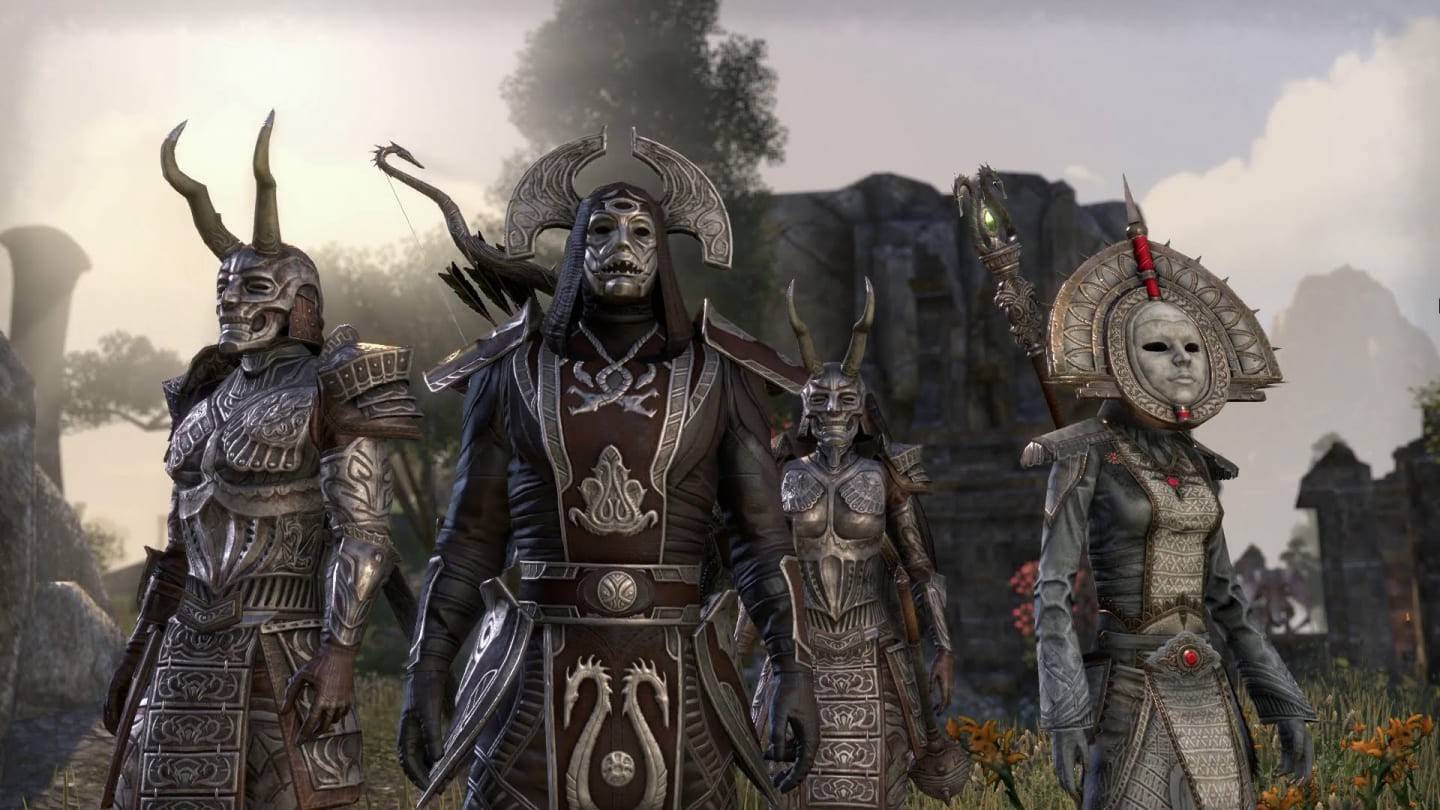 Bethesda Introduces Paid NPC Feature in Elder Scrolls VI
Bethesda Softworks is reopening the gates of Tamriel – this time offering one fortunate fan the unprecedented opportunity to shape the lore of The Elder Scrolls VI. Through a charity auction with Make-A-Wish Mid-Atlantic, the winning bidder will coll
Sep 29,2026 -
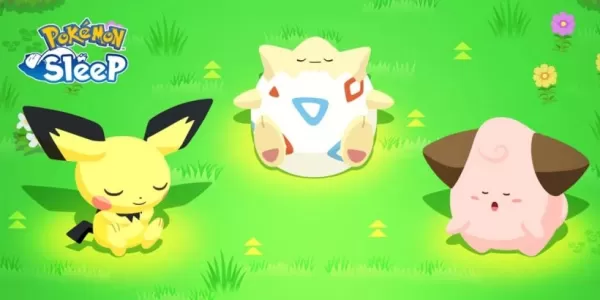 Pokemon Sleep Launches Good Sleep Day Event
Receive a welcome boost to your Drowsy PowerIncreased encounters with Clefairy, Clefable, and CleffaPokémon Growth Week Vol. 5 is on the horizonSpring is here, but that’s no reason to cut back on cozying up in bed. That’s why Pokémon Sleep is encoura
Sep 26,2026 - ◇ Endless Grades: Pixel Saga sneaks in some new content in latest update Sep 26,2026
- ◇ Hideo Kojima 'Already Wrote the Concept' for Death Stranding 3, But Isn't Making It Right Now Sep 25,2026
- ◇ The Outer Worlds 2 News Sep 25,2026
- ◇ Dune: Awakening's Rentable Private Servers Available at Launch — Here's What You Do (And Don't) Get Sep 22,2026
- ◇ Infinity Nikki Version 1.8 Danqing Season Unveils Mythical Art Adventure Sep 22,2026
- ◇ Arc Raiders Dev to End Support of The Finals' PS4 Version to Focus 'Our Support on Current Generation Hardware' Sep 20,2026
- ◇ High on Life 2 Coming to PC, PS5, Xbox & Game Pass Sep 20,2026
- ◇ Xbox Showcase 2025 Reveals 3v3 Fighter Sep 16,2026
- ◇ Disney Solitaire MAC Edition: Essential Guide Sep 15,2026
- ◇ Spirit Empress Debuts in Clash Royale with 4 Events Sep 14,2026




- 1 All the Buttons on Fisch Can Be Found Here Dec 24,2024
- 2 Roblox: Eat Pizza to Grow GIGACHAD Codes (January 2025) Feb 25,2025
- 3 Hogwarts Mystery Character Guide - All Romance Options Explained Apr 07,2025
- 4 Three Nights at the Blacksite Pressure Guide [April Fools] May 12,2025
- 5 Roblox Forsaken Characters Tier List 2025 Feb 14,2025
- 6 Top Pirate Crew Formations: Like a Dragon: Hawaii Mar 13,2025
- 7 Marvel Rivals' Controversial Hitbox System Draws Attention Feb 11,2025
- 8 Marvel Contest of Champions Champion Cards Guide Mar 14,2025





-
Mastering the Art of Digital Tools
A total of 10
-
Best News & Magazines Apps for Daily Reading
A total of 10
-
Hidden Gems: Unexpectedly Useful Other Apps
A total of 10











