

LINE: Calls & Messages
- Communication
- v13.19.1
- 75.93M
- by LINE Corporation
- Android 5.1 or later
- Aug 27,2026
- Package Name: jp.naver.line.android
LINE is redefining communication, bringing family, friends, and loved ones closer together—completely free. Through voice and video calls, messages, and an endless array of fun stickers, you can express yourself in entirely new ways. Accessible globally on mobile, desktop, and Wear OS, the LINE platform keeps evolving, constantly introducing new services and features to make your daily life more enjoyable and convenient.

Features of LINE:
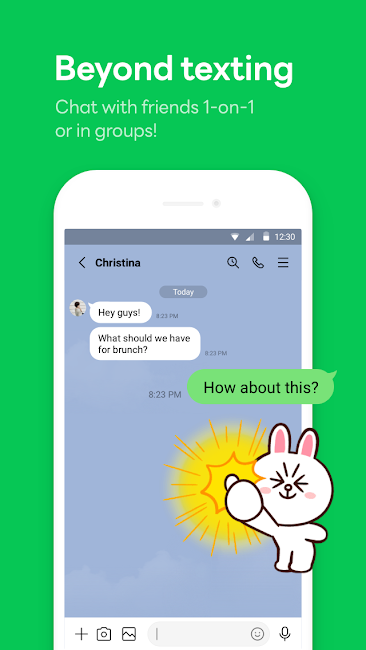
Messages, Voice Calls, Video Calls
Keep in touch with your LINE contacts using versatile communication tools. Experience smooth messaging, quick voice calls, and clear video calls for personal or professional chats. Whether catching up with friends, hosting a meeting, or just having a conversation, LINE makes cross-platform communication effortless.
LINE Stickers, Emojis, and Themes
Show off your personality with LINE’s huge library of stickers and emojis. Pick from countless expressive emoticons and vibrant stickers to add fun and emotion to your chats. Personalize the app even more with various themes, tailoring your chat environment to match your style and mood.
Home
The Home section is your central dashboard in LINE, giving you quick access to key features. Handle your friends list, see upcoming birthdays, explore new stickers, and discover LINE services—all from one simple, organized space. Easily find what you need within the app.
Seamless Connection on Mobile, Wear OS, and PC
Chat wherever you are with LINE’s smooth multi-platform sync. Stay connected on your smartphone, Wear OS smartwatch, or desktop, whether you're out and about, at work, or at home. Enjoy consistent messaging and calling across all your devices.
Store Personal Information with Keep Memo
Create a private Keep Memo chatroom to save messages, photos, and videos temporarily. It’s a handy space within LINE to organize and retrieve important items from your conversations, so nothing gets misplaced.
Messages Protected with Letter Sealing
Protect your privacy with Letter Sealing, which encrypts your messages, call history, and location data. Chat with confidence, knowing your conversations are secure from unauthorized access, adding an extra layer of safety to your LINE experience.
Smartwatch Integration
If you use a Wear OS smartwatch, connect it to LINE to read messages right from your wrist. Add a LINE complication to your watch face for instant access, letting you view updates and reply without touching your phone. Stay connected conveniently throughout the day.
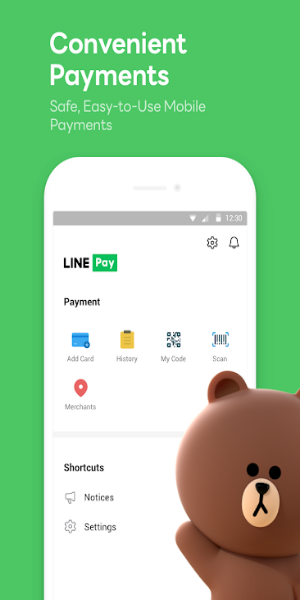
Tips for Users:
1. Installation and Setup:
- Get the LINE app from your device’s app store (Google Play Store for Android, App Store for iOS).
- Launch the app and follow the prompts to create an account using your phone number or email.
2. Adding Friends:
- After logging in, add friends by searching their LINE ID, scanning their QR code, or syncing your device contacts.
3. Messaging:
- Tap a friend’s name to start a chat.
- Type in the text box and hit send.
- Spice up your messages with emojis, stickers, and GIFs.
4. Voice and Video Calls:
- Inside a chat, tap the phone icon for a voice call or the camera icon for a video call.
- Wait for your friend to answer to begin talking.
5. Exploring Features:
- Browse sections like Home to manage friends, see birthdays, and explore LINE services.
- Personalize your app with themes from the theme shop.
6. Privacy and Security:
- Turn on Letter Sealing for encrypted messaging to protect your privacy.
- Adjust notification and privacy settings to suit your preferences.
7. Cross-Platform Access:
- Use LINE on smartphones, Wear OS smartwatches, and desktops for seamless communication everywhere.
These steps give you a basic guide to using messaging and calling on LINE: Calls & Messages. For detailed help or troubleshooting, check LINE’s official support resources or the in-app help section.

Conclusion:
LINE is a flexible, modern communication platform that combines messaging, voice calls, and video calls seamlessly. With a massive selection of stickers, emojis, and customizable themes, every chat can reflect your unique personality. The Home section makes navigation simple, putting friends, birthdays, and new services at your fingertips. Whether on mobile, Wear OS, or desktop, LINE keeps you connected reliably, backed by tools like Keep Memo for secure note-taking and Letter Sealing for private chats. Enjoy convenience, security, and rich expression with LINE—the go-to app for staying in touch across all your devices.
-
SportsApp - Win daily rewards!

-
Cross Messenger

-
Immortality VPN Pro

-
Happy Leap Day 2020

-
SayHi Chat Meet Dating People

-
WT Tracker- Web Scanner

-
Elena's Models Dating App

-
7Strangers

-
Africlick - African Black Dating & Networking App

-
Dating for relationships. Online

-
Wyak-Voice Chat&Meet Friends

-
Lagna Sohala Matrimony

-
Saudi Arabia Dating

-
WiFi AR

-
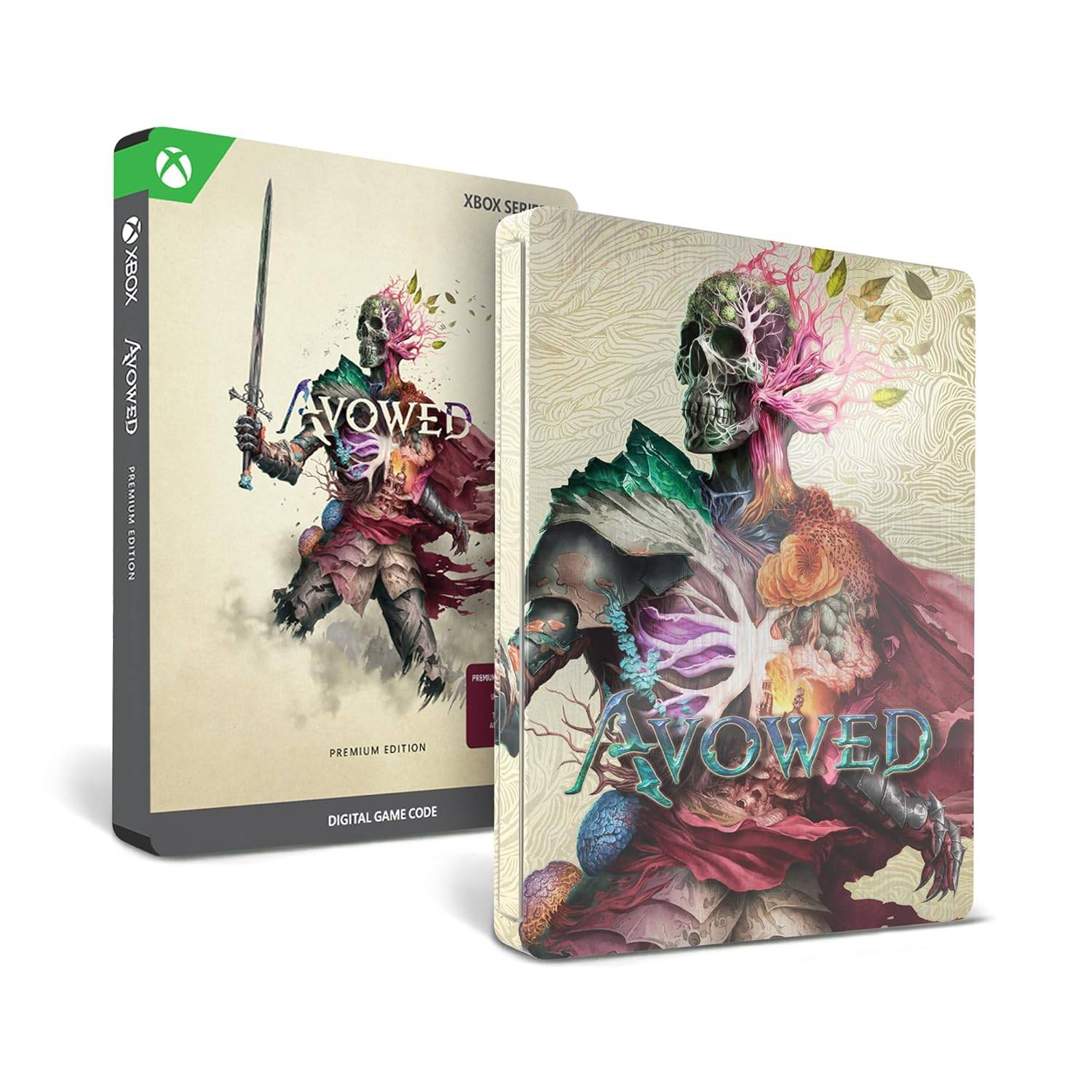 Avowed Editions: Contents Compared
Avowed launches February 13 for Xbox Series X|S and PC players who purchase premium editions, while the standard edition arrives February 18. Obsidian Entertainment's upcoming first-person action-RPG is now available for preorder in multiple editions
Oct 11,2026 -
 Machinarium Free on Epic Games Store This Week
A fresh free mobile game is now available on the Epic Games Store – the acclaimed Machinarium. Claim this title at no cost from August 28th through September 4th, 2025. Android users globally can download this limited-time offer. About Machinarium
Oct 11,2026 - ◇ Iron Roads is a board game-style train management sim out now on iOS Oct 09,2026
- ◇ EA Sports FC Mobile brings home the holidays with new Festive Fixtures takeover Oct 07,2026
- ◇ Off-limits action, or a hint to making nine of this puzzle’s answers match their clues Crossword Clue - Try Hard Guides Oct 07,2026
- ◇ Squishmallows Enters Match-Three Gaming Genre Oct 05,2026
- ◇ Bloodlines 2 DLC Cancelled, Adds Content into Base Game After Backlash Oct 05,2026
- ◇ ALLfiring redeem codes and how to use them (May 2026) Oct 04,2026
- ◇ Helldivers 2 Festival of Reckoning Adds Snowball Fights & Stratagems Oct 02,2026
- ◇ New Characters Revealed for Tower of God Spin-off Series Oct 02,2026
- ◇ 2025 Nintendo Switch Buying Guide Released Oct 01,2026
- ◇ Bethesda Introduces Paid NPC Feature in Elder Scrolls VI Sep 29,2026




- 1 All the Buttons on Fisch Can Be Found Here Dec 24,2024
- 2 Roblox: Eat Pizza to Grow GIGACHAD Codes (January 2025) Feb 25,2025
- 3 Hogwarts Mystery Character Guide - All Romance Options Explained Apr 07,2025
- 4 Three Nights at the Blacksite Pressure Guide [April Fools] May 12,2025
- 5 Roblox Forsaken Characters Tier List 2025 Feb 14,2025
- 6 Top Pirate Crew Formations: Like a Dragon: Hawaii Mar 13,2025
- 7 Marvel Rivals' Controversial Hitbox System Draws Attention Feb 11,2025
- 8 Marvel Contest of Champions Champion Cards Guide Mar 14,2025





-
Mastering the Art of Digital Tools
A total of 10
-
Best News & Magazines Apps for Daily Reading
A total of 10
-
Hidden Gems: Unexpectedly Useful Other Apps
A total of 10











