

Hi Baby Girl
- Personalization
- 1.1.7
- 3.00M
- by Launcher phone theme
- Android 5.1 or later
- Jul 01,2025
- Package Name: cute.girl.lovely.baby
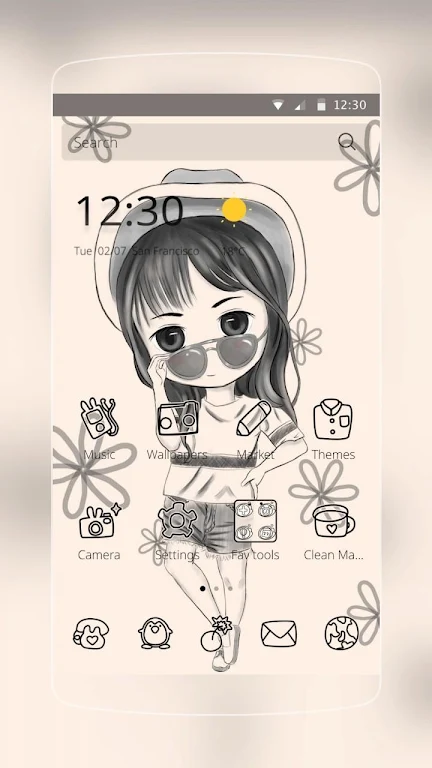
Introducing the irresistible **Hi Baby Girl**! Transform your phone into a captivating masterpiece with its stunning wallpaper and amazing icons. This theme not only adds a touch of charm to your phone but also provides a user-friendly experience. With its creative and eye-catching icons, your screen will look more vibrant and appealing. Moreover, the funny weather design adds an element of fun to your display, making it even more interesting. And that's not all – the theme offers a variety of sliding effects to enhance your browsing experience. With the app, you can effortlessly manage your files and easily locate your icons. Personalize your phone today and fall in love with this adorable theme!
Features of Hi Baby Girl:
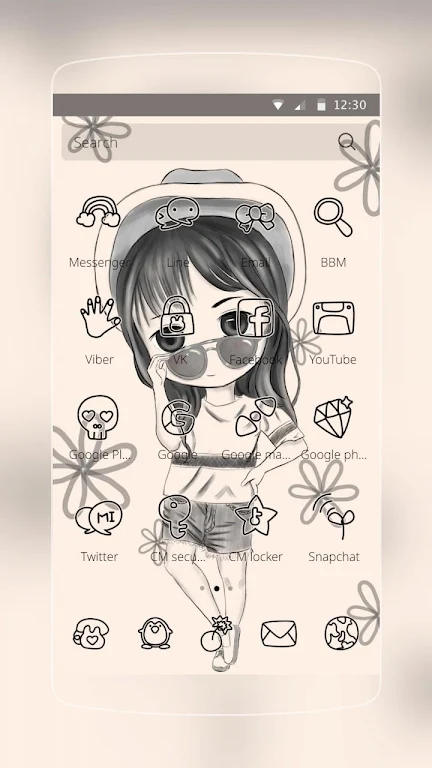
Beautiful Wallpaper with Creative Icons: The app offers a stunning wallpaper that will instantly transform the look of your phone. It features a visually appealing design with vibrant colors and creative icons that will make your phone stand out from the crowd.
Funny Weather Design: Say goodbye to boring weather widgets! The app adds a touch of fun to your screen with its unique weather design. No more plain and mundane weather updates - this theme makes it entertaining and interesting to check the current weather conditions.
Plenty of Sliding Effects: Tired of the same old sliding effects on your phone? With the app, you get a variety of sliding effects to choose from. Whether you prefer a smooth transition or a lively animation, this theme has options that will suit your personal style and add some flair to your phone.
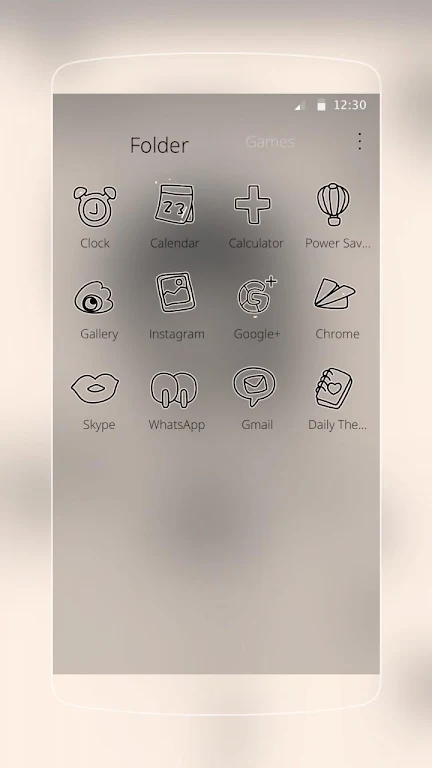
File Management and Icon Classification: Keeping your files organized can be a hassle, but the app helps you stay on top of things. This theme includes features that allow you to easily manage your files and classify your icons. No more searching through a cluttered home screen - everything will be neatly arranged and easily accessible.
FAQs:
How do I install the app on my phone?
To install the app, simply go to the App Store and search for it. Once you find the theme, download and install it like you would any other app. Then, go to your device's settings and find the "Theme" or "Display" option. Select the app from the available options, and you're all set!
Can I customize the wallpaper and icons with the app?
Yes, you can personalize the app to your liking. You can choose from a selection of wallpapers and icons that come with the theme, or you can use your own. Simply go to the theme settings on your phone and explore the customization options to make it truly unique to you.
Will the app slow down my phone's performance?
No, the app is designed to enhance your phone's appearance without sacrificing performance. It is optimized to run smoothly on most devices, so you can enjoy the attractive design without any lag or slowdowns.
Conclusion:
Transform your phone into a visually appealing and personalized device with the Hi Baby Girl app. This theme offers beautiful wallpapers and creative icons that will make your phone more attractive. The funny weather design adds a touch of entertainment to your screen, while the variety of sliding effects allows you to customize your phone's appearance. With the included file management and icon classification features, organizing your files and accessing your apps has never been easier. Don't settle for a generic, boring phone - personalize it with the app and make a statement.
-
Music ringtones for android
-
Adora - Parental Control

-
Floating Tunes-Music Player

-
Officepools - Fantasy Hockey P

-
freeme os light system

-
InColor: Coloring & Drawing
-
Tube For Float

-
M-Playerrr for KLWP
-
Countries of the World

-
Cartoon Cute Fan Art Wallpaper
-
Oxigen HD – Icon Pack

-
Football NFL 2017 Schedule, Live Scores, & Stats

-
Mhdflix

-
Always On AMOLED
-
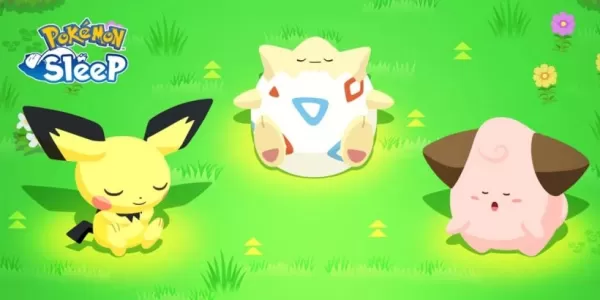 Pokemon Sleep Launches Good Sleep Day Event
Receive a welcome boost to your Drowsy PowerIncreased encounters with Clefairy, Clefable, and CleffaPokémon Growth Week Vol. 5 is on the horizonSpring is here, but that’s no reason to cut back on cozying up in bed. That’s why Pokémon Sleep is encoura
Sep 26,2026 -
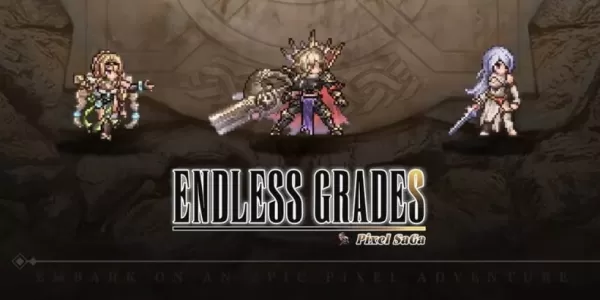 Endless Grades: Pixel Saga sneaks in some new content in latest update
Unlimited Levels: Pixel Saga has released a surprise updateTwo new pets and the return of the Blossom Haven event take center stageFace off against the Enchanted Bride, increase your heroes' popularity, and claim rewardsOne of the most engaging parts
Sep 26,2026 - ◇ Hideo Kojima 'Already Wrote the Concept' for Death Stranding 3, But Isn't Making It Right Now Sep 25,2026
- ◇ The Outer Worlds 2 News Sep 25,2026
- ◇ Dune: Awakening's Rentable Private Servers Available at Launch — Here's What You Do (And Don't) Get Sep 22,2026
- ◇ Infinity Nikki Version 1.8 Danqing Season Unveils Mythical Art Adventure Sep 22,2026
- ◇ Arc Raiders Dev to End Support of The Finals' PS4 Version to Focus 'Our Support on Current Generation Hardware' Sep 20,2026
- ◇ High on Life 2 Coming to PC, PS5, Xbox & Game Pass Sep 20,2026
- ◇ Xbox Showcase 2025 Reveals 3v3 Fighter Sep 16,2026
- ◇ Disney Solitaire MAC Edition: Essential Guide Sep 15,2026
- ◇ Spirit Empress Debuts in Clash Royale with 4 Events Sep 14,2026
- ◇ Divinity Original Sin 3 Rumors Debunked As Fans Tie TGA Statue to New Logo Sep 13,2026




- 1 All the Buttons on Fisch Can Be Found Here Dec 24,2024
- 2 Hogwarts Mystery Character Guide - All Romance Options Explained Apr 07,2025
- 3 Roblox: Eat Pizza to Grow GIGACHAD Codes (January 2025) Feb 25,2025
- 4 Three Nights at the Blacksite Pressure Guide [April Fools] May 12,2025
- 5 Roblox Forsaken Characters Tier List 2025 Feb 14,2025
- 6 Top Pirate Crew Formations: Like a Dragon: Hawaii Mar 13,2025
- 7 Marvel Rivals' Controversial Hitbox System Draws Attention Feb 11,2025
- 8 Marvel Contest of Champions Champion Cards Guide Mar 14,2025





-
Mastering the Art of Digital Tools
A total of 10
-
Best News & Magazines Apps for Daily Reading
A total of 10
-
Hidden Gems: Unexpectedly Useful Other Apps
A total of 10











