

Car Launcher
- Auto & Vehicles
- 4.0.0.01
- 48.0 MB
- by apps lab studio
- Android 5.0+
- May 04,2025
- Package Name: com.autolauncher.motorcar.free
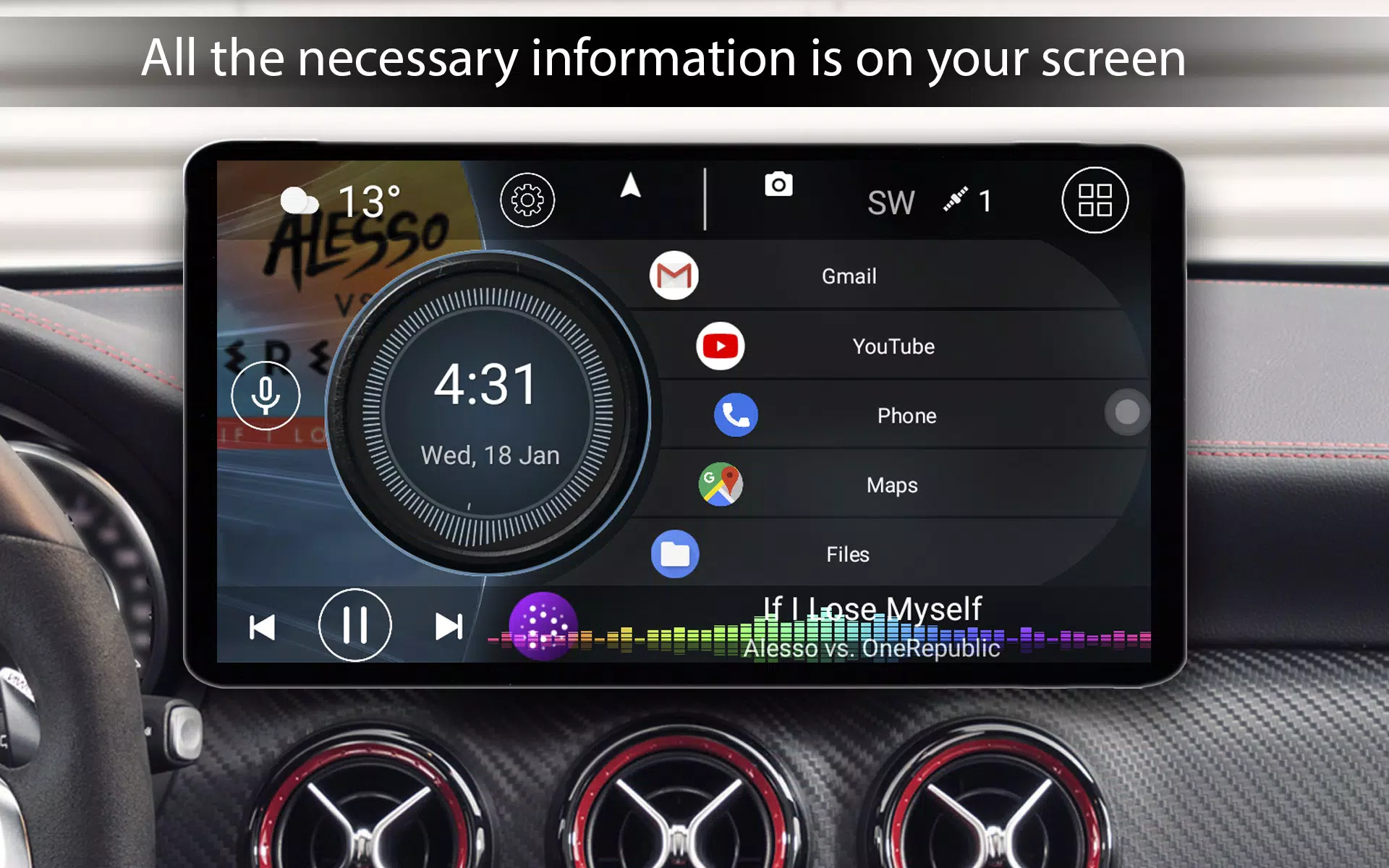
Introducing our Car Launcher, specifically designed for use in vehicles. This versatile program can be used on your phone, tablet, or even your Android-based car stereo system.
We've integrated not only a user-friendly application launcher but also an onboard computer that calculates the distance traveled over various time periods. To enable this feature, you'll need to grant permission for background GPS data access.
Basic Functions of the Program:
For Free Version Users:
- Set as Default Launcher: Easily set this as your main launcher, accessible via the HOME button, which is particularly useful for car stereo systems.
- Quick App Access: Add any number of applications for quick launch on the main screen. You can also set up multiple folders for selected apps and switch between them easily on the main screen (PRO feature).
- Edit Apps: Modify your selected applications as needed.
- Display Data: Show current speed, distance traveled, and other relevant data. The main screen displays precise car speed based on GPS data.
- Access All Apps: Quickly access the full list of applications, with sorting options by name, installation date, or update date. Long-press an icon to enter delete mode.
- Onboard Computer Menu: Access the onboard computer by pressing the rounded button or swiping from the right edge of the screen. Customize the slide menu to your liking.
- Onboard Computer Features: Display current speed, distance traveled, average speed, total operating time, maximum speed, acceleration times from 0 to 60 km/h and 0 to 100 km/h, and the best time and speed for a quarter mile. You can reset trip data at any time.
- Customizable Data Display: Set the time frame for displaying each parameter: trip, today, week, month, or all time.
- Speed Unit Conversion: Switch between miles and kilometers for speed display.
- Automatic Start: The program can start automatically when the device is powered on (useful for car stereos).
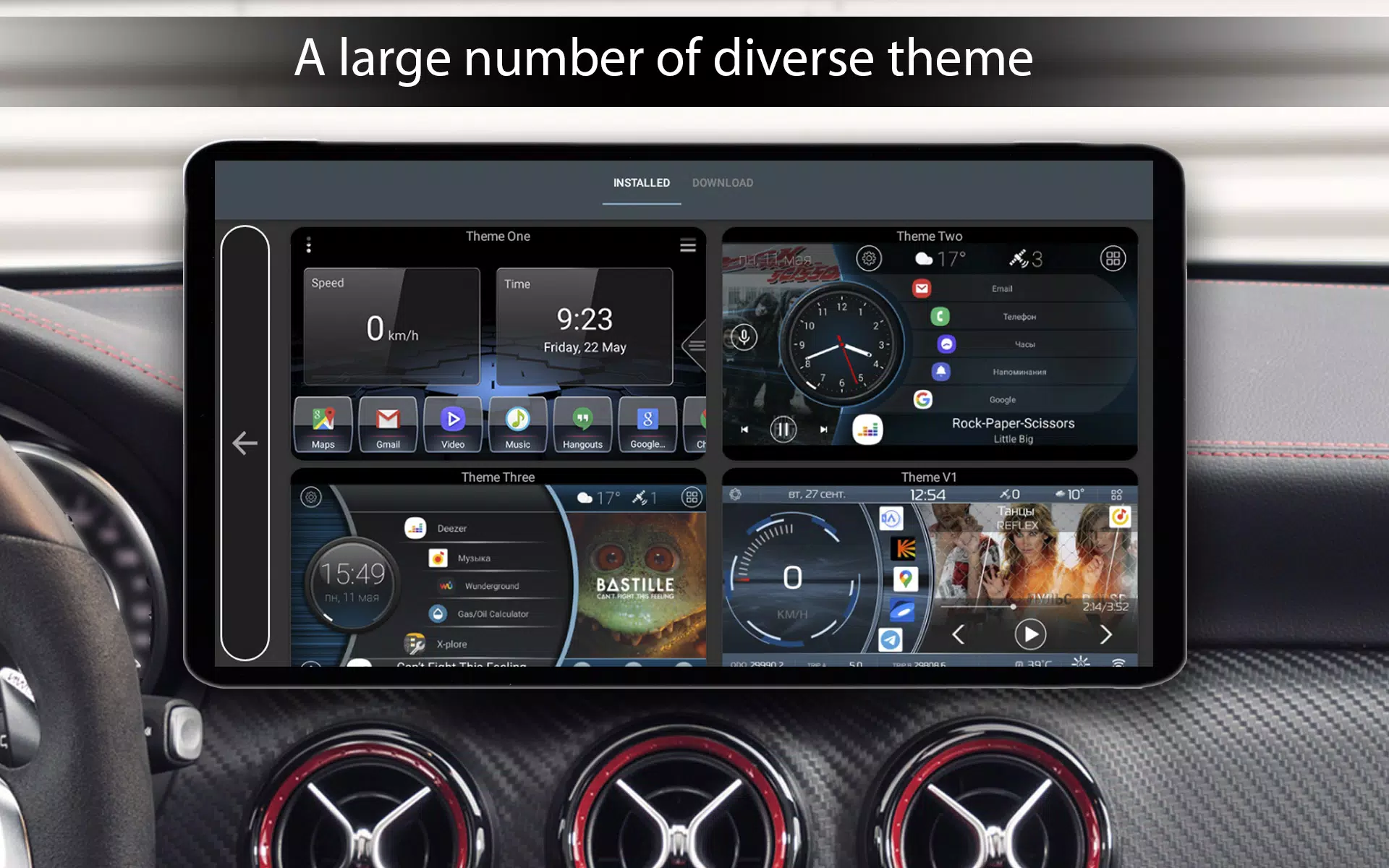
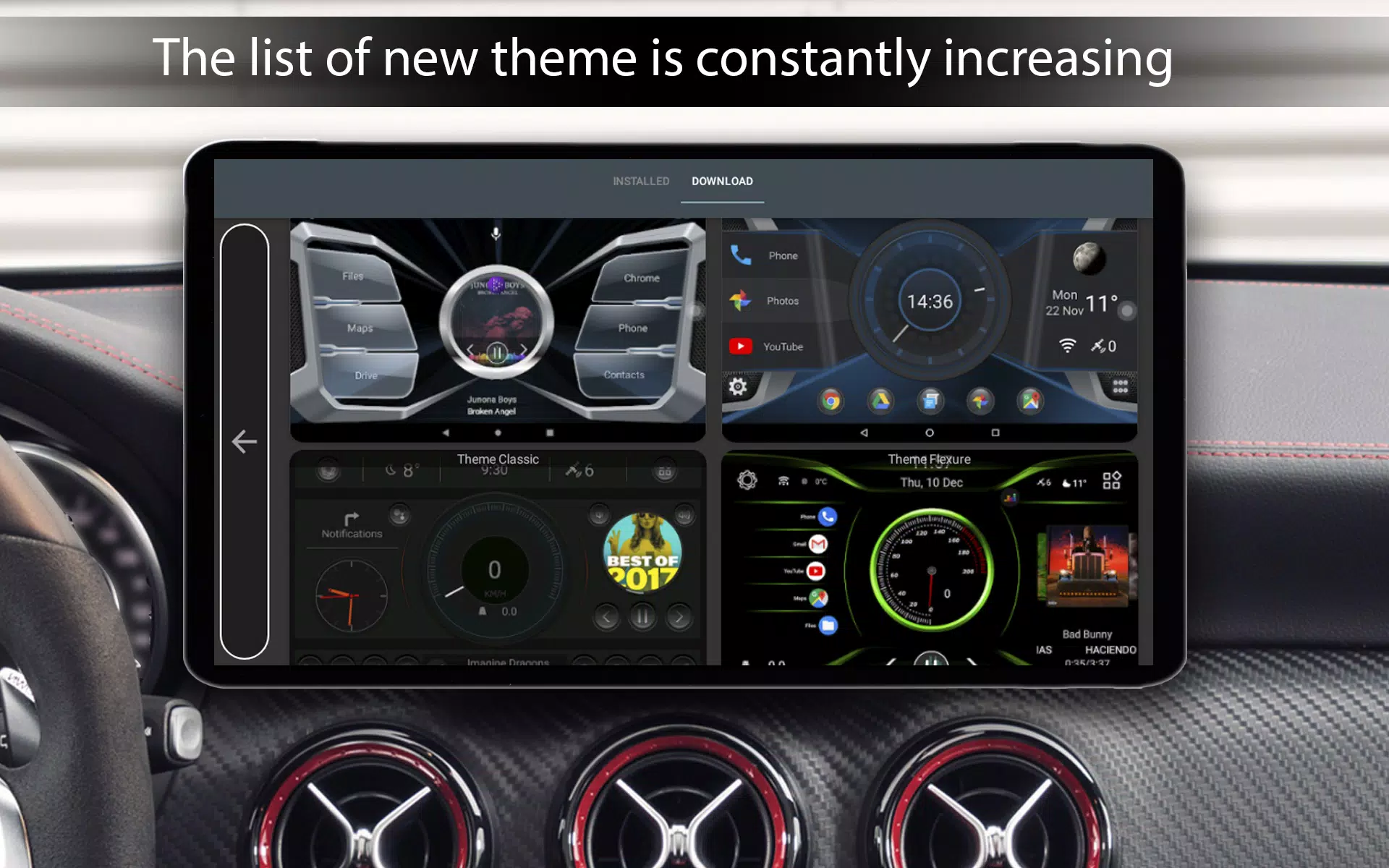
- Themes: Choose from three default main screen themes, with support for third-party themes designed for Car Launcher.
- Media Player Support: Compatible with various third-party media players, displaying album artwork.
- Icon Packs: Support for third-party icon packs.
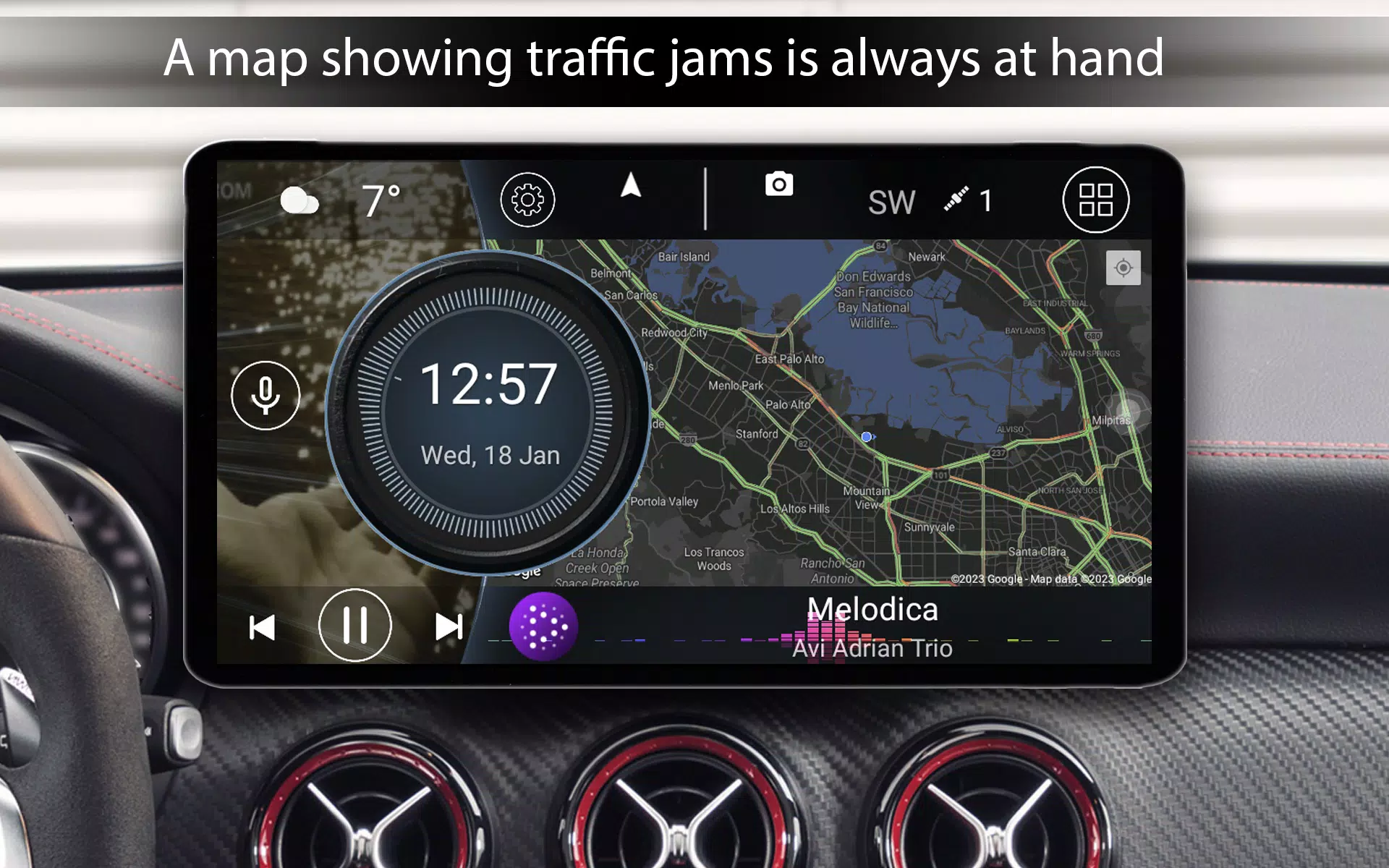
- Weather and Location: Show weather and location information on the main screen (requires internet access).
- Customizable Background: Select a custom image for the program's startup screen.
- Text Color Customization: Change the color scheme of the text used.
- Wallpaper Customization: Adjust the color of wallpapers or add your own.
- Brightness Control: Automatically adjust screen brightness based on the time of day.
- Customizable Screensaver: Access a screensaver by tapping the clock, with numerous customization options including different templates, fonts, date formats, size and color adjustments, element removal, screen positioning, and brightness reduction when opening the clock.
Additional Features for Paid Version Users:
- Widget Support: Use system widgets.
- Multiple Screens: Access a large number of additional screens.
- Theme Customization: Edit any theme to your liking with options such as stretching, deleting, relocating, adding multiple actions to one widget, locking widget launches, renaming widgets, adjusting text size, and changing widget backgrounds.
- Expanded Widgets: Access an expanded set of Car Launcher widgets including visualization, analog clock, analog speedometer, address widget, travel time, maximum speed, stop time, and acceleration from 0 to 60 km/h.
- App Settings: Customize app settings with infinite scrolling, change the number of apps in a grid, adjust bend side, and flex angle.
- Logo Customization: Add and modify logos.
- Color Scheme Settings: Access expanded settings for color scheme adjustments.












-
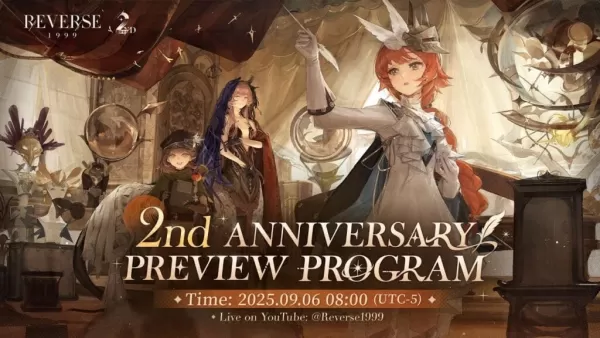 Reverse: 1999 Is Celebrating Its Second Anniversary with Paradise Regained
Bluepoch Games launched a special anniversary stream for Reverse: 1999, unveiling upcoming content in Version 2.8 through charming L2D chibi models of the new units. Titled Paradise Regained, this update celebrates the game’s 2nd anniversary.The eve
Oct 16,2026 -
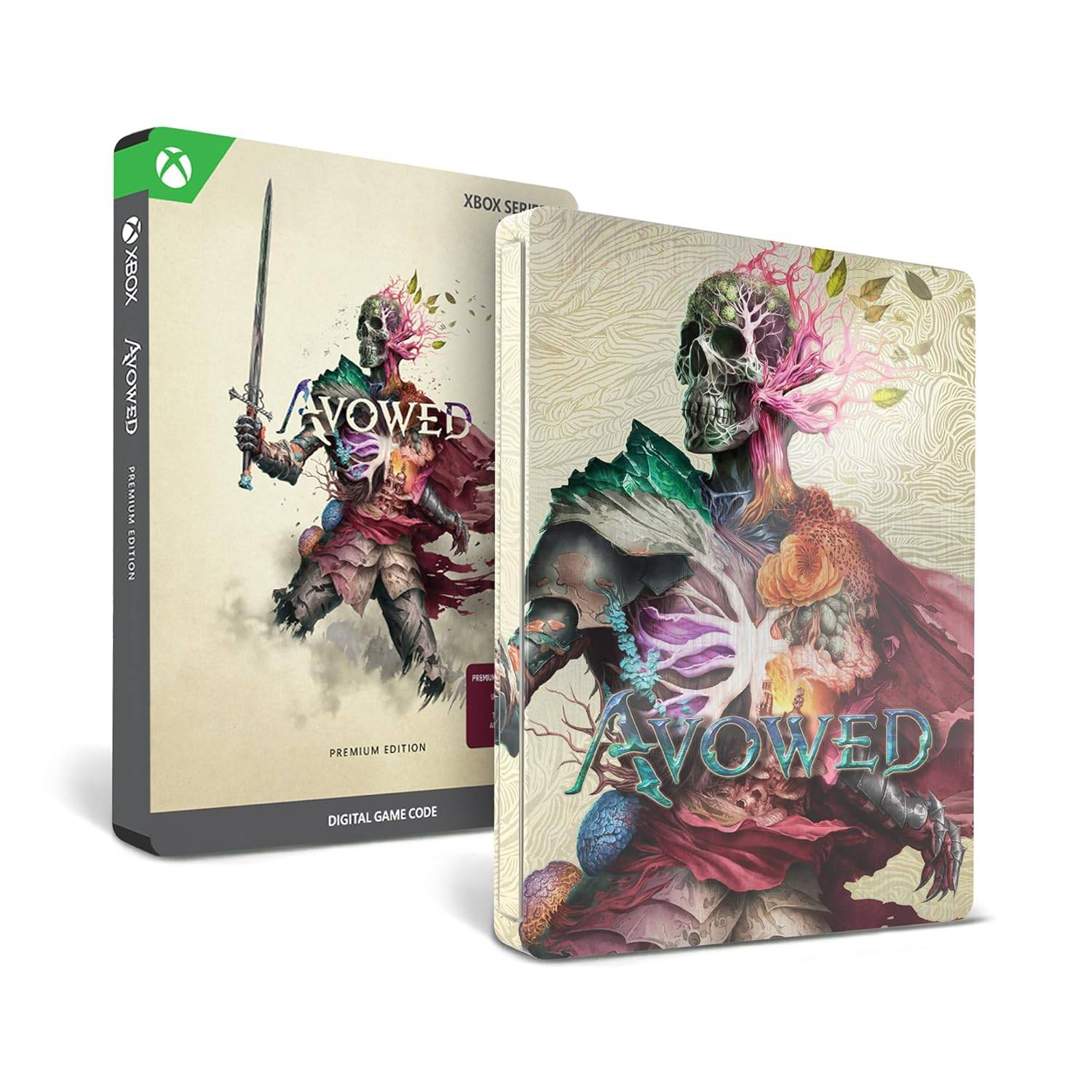 Avowed Editions: Contents Compared
Avowed launches February 13 for Xbox Series X|S and PC players who purchase premium editions, while the standard edition arrives February 18. Obsidian Entertainment's upcoming first-person action-RPG is now available for preorder in multiple editions
Oct 11,2026 - ◇ Machinarium Free on Epic Games Store This Week Oct 11,2026
- ◇ Iron Roads is a board game-style train management sim out now on iOS Oct 09,2026
- ◇ EA Sports FC Mobile brings home the holidays with new Festive Fixtures takeover Oct 07,2026
- ◇ Off-limits action, or a hint to making nine of this puzzle’s answers match their clues Crossword Clue - Try Hard Guides Oct 07,2026
- ◇ Squishmallows Enters Match-Three Gaming Genre Oct 05,2026
- ◇ Bloodlines 2 DLC Cancelled, Adds Content into Base Game After Backlash Oct 05,2026
- ◇ ALLfiring redeem codes and how to use them (May 2026) Oct 04,2026
- ◇ Helldivers 2 Festival of Reckoning Adds Snowball Fights & Stratagems Oct 02,2026
- ◇ New Characters Revealed for Tower of God Spin-off Series Oct 02,2026
- ◇ 2025 Nintendo Switch Buying Guide Released Oct 01,2026




- 1 All the Buttons on Fisch Can Be Found Here Dec 24,2024
- 2 Roblox: Eat Pizza to Grow GIGACHAD Codes (January 2025) Feb 25,2025
- 3 Hogwarts Mystery Character Guide - All Romance Options Explained Apr 07,2025
- 4 Three Nights at the Blacksite Pressure Guide [April Fools] May 12,2025
- 5 Roblox Forsaken Characters Tier List 2025 Feb 14,2025
- 6 Top Pirate Crew Formations: Like a Dragon: Hawaii Mar 13,2025
- 7 Marvel Rivals' Controversial Hitbox System Draws Attention Feb 11,2025
- 8 Marvel Contest of Champions Champion Cards Guide Mar 14,2025





-
Mastering the Art of Digital Tools
A total of 10
-
Best News & Magazines Apps for Daily Reading
A total of 10
-
Hidden Gems: Unexpectedly Useful Other Apps
A total of 10











