
Xbox Game Pass Ultimate Now Streams Select Games on Consoles
Xbox Game Pass Ultimate members have unlocked an exciting new perk: the ability to stream select games directly to their Xbox consoles without the need for downloading. This groundbreaking feature was announced via an Xbox Wire news post, highlighting that members can now enjoy streaming games from the Game Pass catalog, as well as certain games they already own, on Xbox Series X, S, and Xbox One consoles through cloud streaming.
Previously, this streaming capability was available on smart TVs, PCs, smartphones, and Meta Quest headsets, but this marks the first time it's been extended to Xbox consoles. This advancement allows users to bypass the often lengthy download times and conserve valuable hard drive space.
To access this feature on your Xbox console, navigate to My games & apps > Full library > Owned Games. Games that are available for cloud streaming will be marked with a cloud badge on their game page. To streamline your search, you can use filters by selecting Filter > Ready to play > Cloud gaming. Once you've found a game you want to play, simply select it and choose Play with Cloud Gaming. Additionally, you can start streaming directly from the Store app after purchasing select cloud-playable games.
Conversely, if you have games installed on your Xbox, you can stream them to devices with supported web browsers using this link. Note that this feature is no longer supported on the Xbox mobile app but remains accessible on phones via the browser link. Xbox is also working to extend this feature to Samsung and Amazon Fire smart TVs, as well as Meta Quest headsets.
In another significant update, Xbox announced that starting this month, Xbox and Xbox 360 backward compatible games will also support remote play, further enhancing the flexibility and convenience for gamers.
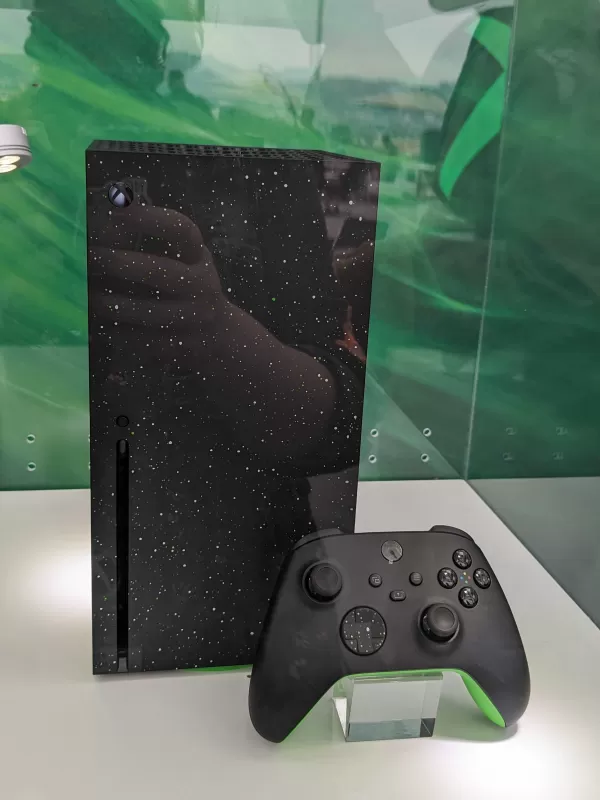
New Xbox Series X and S Models - First Look Images
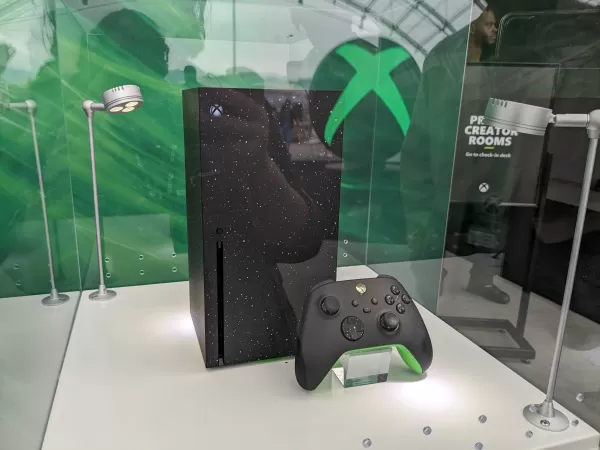
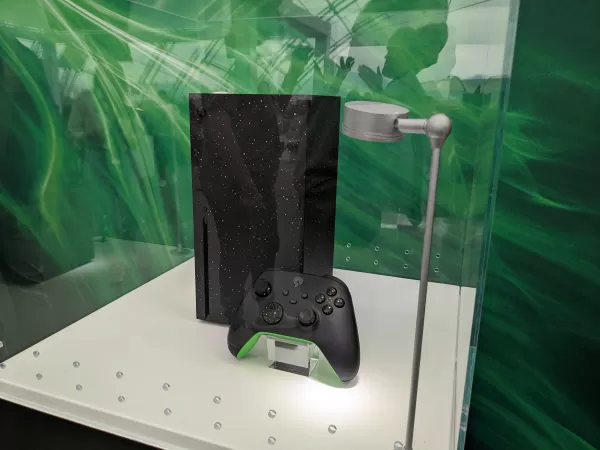 View 21 Images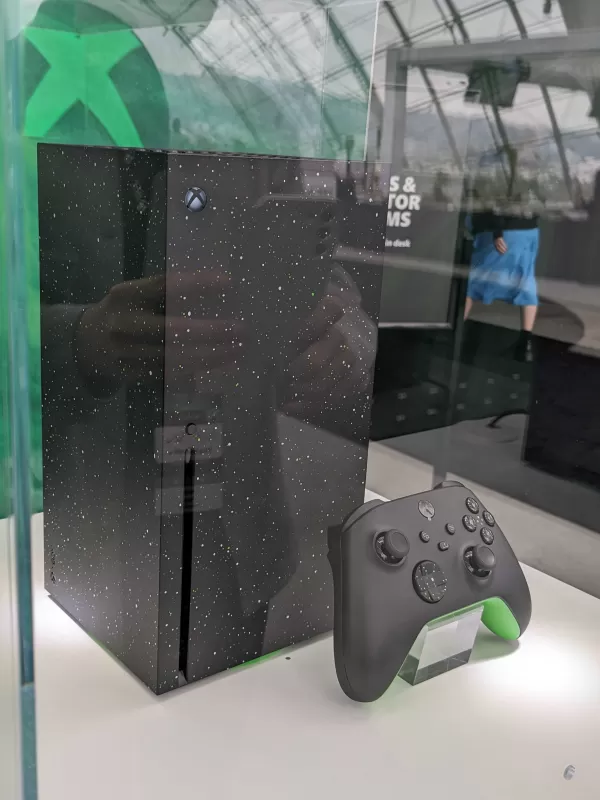
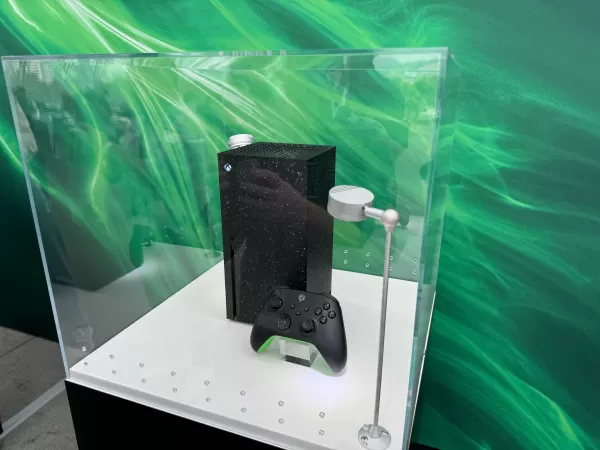
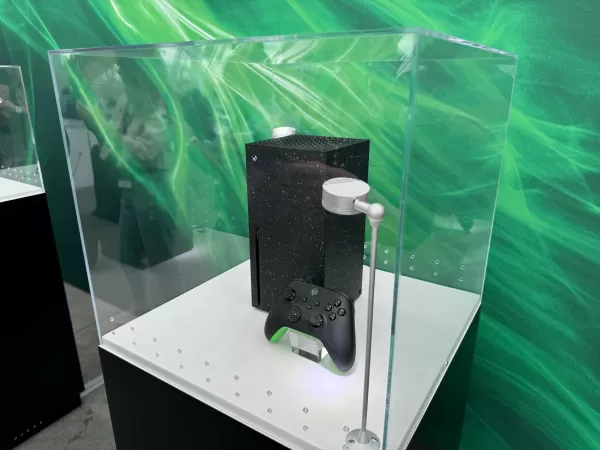
These updates are part of Xbox's broader initiative to optimize storage space on their consoles. The Xbox Wire post also introduced a new feature in the console's settings designed to help users manage their hard drive space more effectively. This can be accessed through the My Games & Apps > Manage menu.
In response to the growing size of game installations, such as those for Call of Duty and Baldur's Gate 3, Xbox has been actively working to expand storage solutions. For those still in need of more space, even with these new features, we've compiled a list of the best storage options for the Xbox Series X and S. This is particularly useful if you're not ready to invest in the newer Xbox models that come with increased built-in storage.













- 1 All the Buttons on Fisch Can Be Found Here Dec 24,2024
- 2 Three Nights at the Blacksite Pressure Guide [April Fools] May 12,2025
- 3 Roblox: Eat Pizza to Grow GIGACHAD Codes (January 2025) Feb 25,2025
- 4 Roblox Forsaken Characters Tier List 2025 Feb 14,2025
- 5 Hogwarts Mystery Character Guide - All Romance Options Explained Apr 07,2025
- 6 Top Pirate Crew Formations: Like a Dragon: Hawaii Mar 13,2025
- 7 Marvel Rivals' Controversial Hitbox System Draws Attention Feb 11,2025
- 8 Marvel Contest of Champions Champion Cards Guide Mar 14,2025

![LeMOMnade: Family Squeeze! – Version 1.1.1 [mtrellex]](https://img.3xbz.com/uploads/38/1719569762667e8d62c486e.jpg)



-
Mastering the Art of Digital Tools
A total of 10
-
Best News & Magazines Apps for Daily Reading
A total of 10
-
Hidden Gems: Unexpectedly Useful Other Apps
A total of 10











